

The best Dux-Soup alternatives in 2026 are Cadency, Dripify, Expandi, HeyReach, Waalaxy, Linked Helper and PhantomBuster. Choose by the reason you are leaving: Linked Helper or Dripify for a single seller, Expandi or Waalaxy for guided cloud campaigns, HeyReach or Cadency when several LinkedIn accounts work as one team, and PhantomBuster when extraction matters more than sequencing.
Dux-Soup is now sold as STACKED, powered by Dux-Soup, in two editions: a local desktop app that runs on your own machine and a cloud edition that runs on Dux-Soup's infrastructure. Its support centre says the earlier Pro, Turbo and Cloud Chrome extensions are deprecated, so older reviews describing a low-cost browser extension are out of date. That spread between local and cloud is why no single tool replaces all of it. Prices for Dripify, Expandi, HeyReach, Waalaxy, Dux-Soup, Linked Helper and PhantomBuster below were re-read on vendor pages on 24 October 2026, except Waalaxy's US dollar grid, last seen on 8 October 2026. Other details come from readings in August and September 2026 unless a sentence dates them. Temporary promotions are left out. Cadency is the product on this site, so it is listed with its limits stated as plainly as the others.
Why do teams leave Dux-Soup?
Few people search for an alternative because the tool broke. They search because the job changed. The reasons that come up most often are these:
- Execution model. A desktop app tied to one operator's machine, or an always-on cloud service.
- Shared operations. Several LinkedIn accounts, assigned replies and one place to read them.
- Packaging. Client workspaces for an agency, or a pool of accounts instead of one seat per person.
- Integrations. An API, webhooks, and clean CSV in and out.
- Infrastructure. Who owns proxies, pacing, warm-up and recovery when an account hits a checkpoint.
Each reason points to a different replacement. If the pain is a machine that must stay on, you need cloud execution. If five reps need one inbox, you need shared operations. Before shortlisting, read whether LinkedIn automation is safe and how accounts get restricted. LinkedIn's own help page on prohibited software is the policy baseline for every tool in this guide, and no vendor can promise LinkedIn will accept automation.
Which Dux-Soup alternative fits which situation?
Match the problem to the product first, then read the individual entries. The same tool can be an excellent fit for one team and a poor one for another.
| If you need | Start with | Why |
|---|---|---|
| One campaign across a pool of LinkedIn senders plus email | Cadency | Sender rotation, mailbox rotation and one inbox in a single campaign |
| A polished single-seller tool with LinkedIn and email in one sequence | Dripify | Email is native on every paid plan |
| Cloud campaigns with a dedicated country-based IP | Expandi | Workspaces, shared campaigns and a global inbox |
| Agency-style pricing per LinkedIn sender | HeyReach | Unified inbox, API and webhooks on every plan |
| Templates and a gentle learning curve | Waalaxy | Pre-built sequences and clear tiers |
| The lowest entry cost and hands-on control | Linked Helper | Local or cloud storage with visible limits |
| Data extraction across many sites | PhantomBuster | Usage-based automation, not a sequencer |
How much do the alternatives cost?
List prices are only comparable when you read the billing unit next to the number. Most tools here bill per user or per connected LinkedIn account, so the bill grows with every account you add. Cadency bills per plan, with a set number of LinkedIn senders included.
| Alternative | Starting price | Billing unit | Read on |
|---|---|---|---|
| Cadency | $89 a month (Essential), $62 on annual billing | Plan with 2 LinkedIn senders included, $39 per extra | Current list price |
| Dripify | Pro $79 monthly or $59 annual; Advanced $99 monthly or $79 annual | Per user | 24 Oct 2026 |
| Expandi | $99 monthly, $79 annual | Per LinkedIn account | 24 Oct 2026 |
| HeyReach | $79 monthly, $64 yearly; $59 ($48 yearly) from 10 senders | Per LinkedIn sender | 24 Oct 2026 |
| Waalaxy | €39 Pro, €99 Advanced, €139 Business on monthly billing; €19, €49, €69 billed yearly; varies by country | Per user | 24 Oct 2026 |
| Linked Helper | $15 local Standard, $29.90 cloud Standard; up to 45% off on 12-month billing | Per license, one LinkedIn account | 24 Oct 2026 |
| PhantomBuster | Start $69 monthly or $56 annual; Grow $159 or $128; Scale $439 or $352 | Per plan, unlimited users, with runtime, slots and credits capped by tier | 24 Oct 2026 |
Cadency is not the cheapest line in this table. For one seller running one account, several of these tools cost far less. The comparison changes as accounts pile up: five HeyReach Growth senders are five times $79, five Expandi seats are five times $99, while Cadency's Small Team plan at $199 already covers five LinkedIn senders and every mailbox. For a full breakdown across vendors, see the pricing comparison.
What are the 7 best Dux-Soup alternatives?
Each entry opens with the vendor's landing page so you can recognize the product, then covers the operating difference that matters to someone leaving Dux-Soup.
1. Cadency
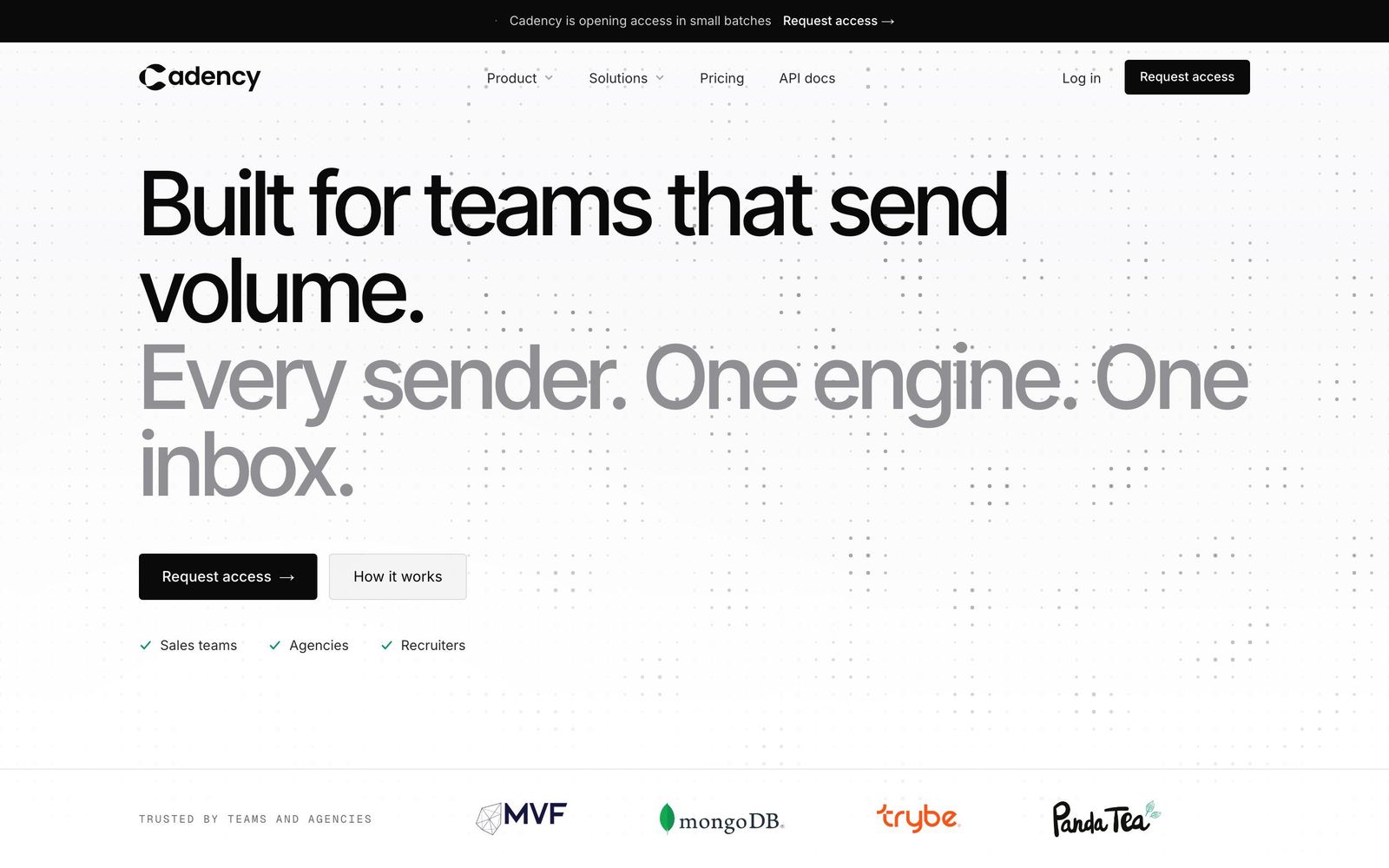
Cadency is built for teams that send volume. One campaign runs across every LinkedIn sender and every mailbox, and each lead is assigned to a single sender so nobody gets contacted twice. Rotation spreads the work across the whole pool with a ceiling per sender. Each sender has a dedicated proxy, pacing and checkpoint handling, and everything runs in the cloud, so nothing depends on a browser staying open. Swarm Profiles, aged LinkedIn profiles and WhatsApp numbers operated for you, are available through a waitlist.
Campaigns can use eight LinkedIn steps: profile visit, connection request, message, InMail, comment on the last post (drafted by AI, approved by you), voice note, like and follow. Email runs from Google or Microsoft mailboxes with warm-up, and unlimited mailboxes rotate inside the same campaign. Conditions branch on connected, replied or email found, with waits and A/B tests. Replies land in one inbox with one thread per lead across LinkedIn and email, assignable to a teammate, and a rep can answer as any sender. Only conversations started from Cadency are tracked, so the rest of a rep's inbox stays private. A native B2B database and waterfall enrichment, paid per verified hit, sit alongside CSV and Sales Navigator imports.
Essential is $89 a month with 2 LinkedIn senders, $39 per additional sender and 100k emails a month. Small Team is $199 a month with 5 LinkedIn senders, $39 per additional sender and 100k emails a month. Scale is $699 a month with 20 senders, $25 per additional sender and 500k emails a month. Every plan includes unlimited mailboxes, teammates and workspaces. Annual billing takes 30% off, which is $62, $139 and $489 a month. The API and webhooks are on every plan, and any CRM or ATS connects through the API, since there is no native CRM sync. See sender rotation, the shared inbox and safety controls for detail.
- Pros: one campaign across all senders and mailboxes; one sender per lead; shared inbox; unlimited teammates, mailboxes and workspaces on every plan
- Cons: starts at $89 a month, more than several single-seat tools for one person with one account; the free trial covers Essential only; no native CRM sync
Essential starts with a free trial; Small Team and Scale are self-serve, without a trial. Start a free trial or talk to sales. Side by side with each rival: Cadency vs HeyReach, vs Expandi, vs Dripify.
2. Dripify
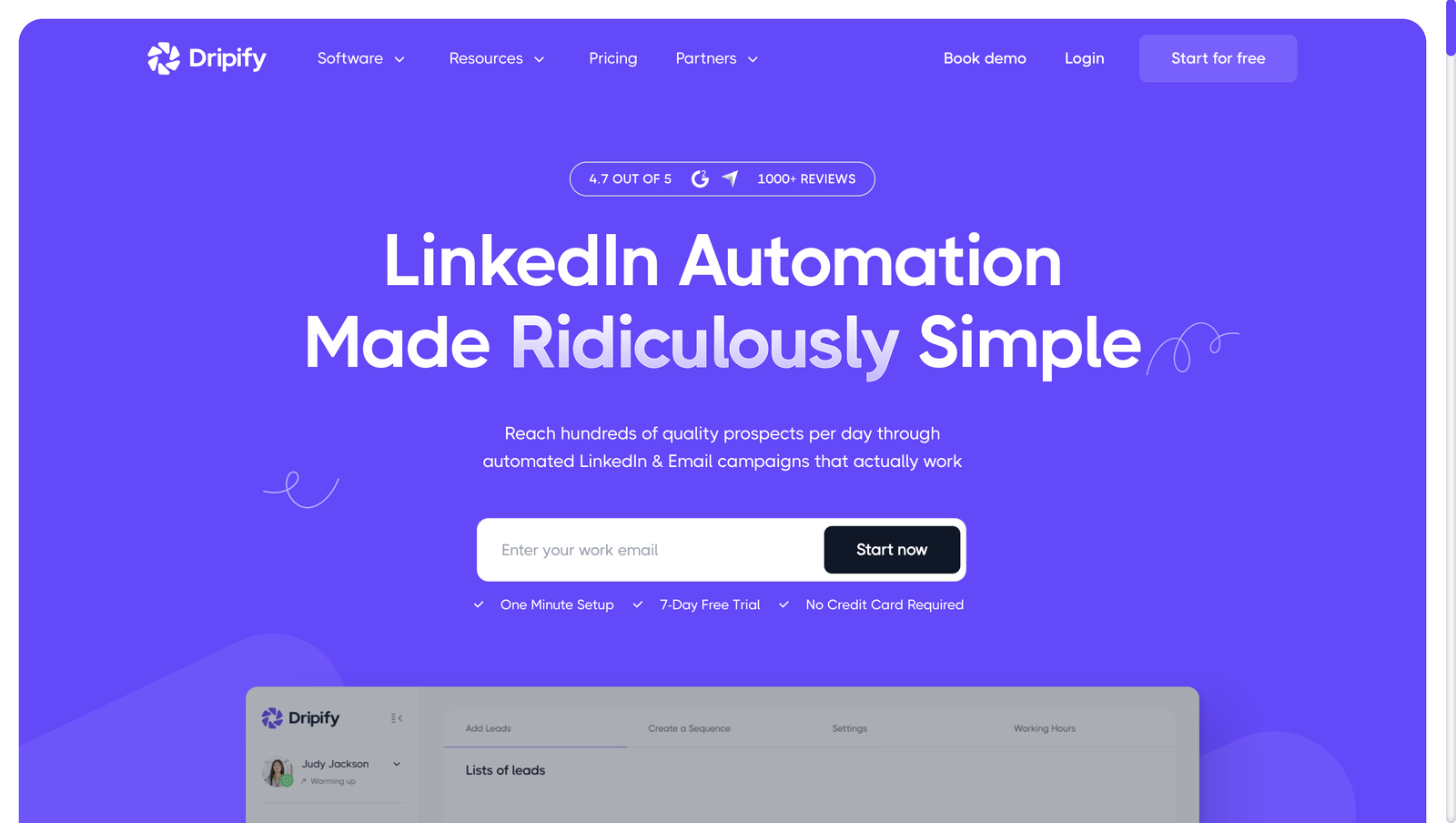
Dripify suits a single seller who wants a polished sequence builder and email in the same flow. The tool is priced per user: Pro and Advanced cost $79 and $99 on monthly billing, or $59 and $79 on annual billing, and Enterprise is custom. The domain now redirects from dripify.io to dripify.com, and figures below were read on 24 October 2026.
Pro, the entry tier, includes unlimited campaigns, a dedicated inbox, CSV export, webhooks, Zapier, HubSpot, an Open API and an MCP server. Advanced adds multi-team management, lead tagging, step analytics, A/B testing, advanced LinkedIn protection, team templates and duplicate-lead prevention across the team. Email is native on every paid plan, with pre-verified emails, open and reply tracking and 100 email finder credits a month. One seat drives one LinkedIn account, and team management starts at Advanced. A 7-day trial needs no card. See the Dripify pricing page.
- Pros: LinkedIn and email steps in the same sequence; unlimited campaigns on every plan
- Cons: the entry tier now starts at $79 a month ($59 annual); cost follows each user or connected account
3. Expandi
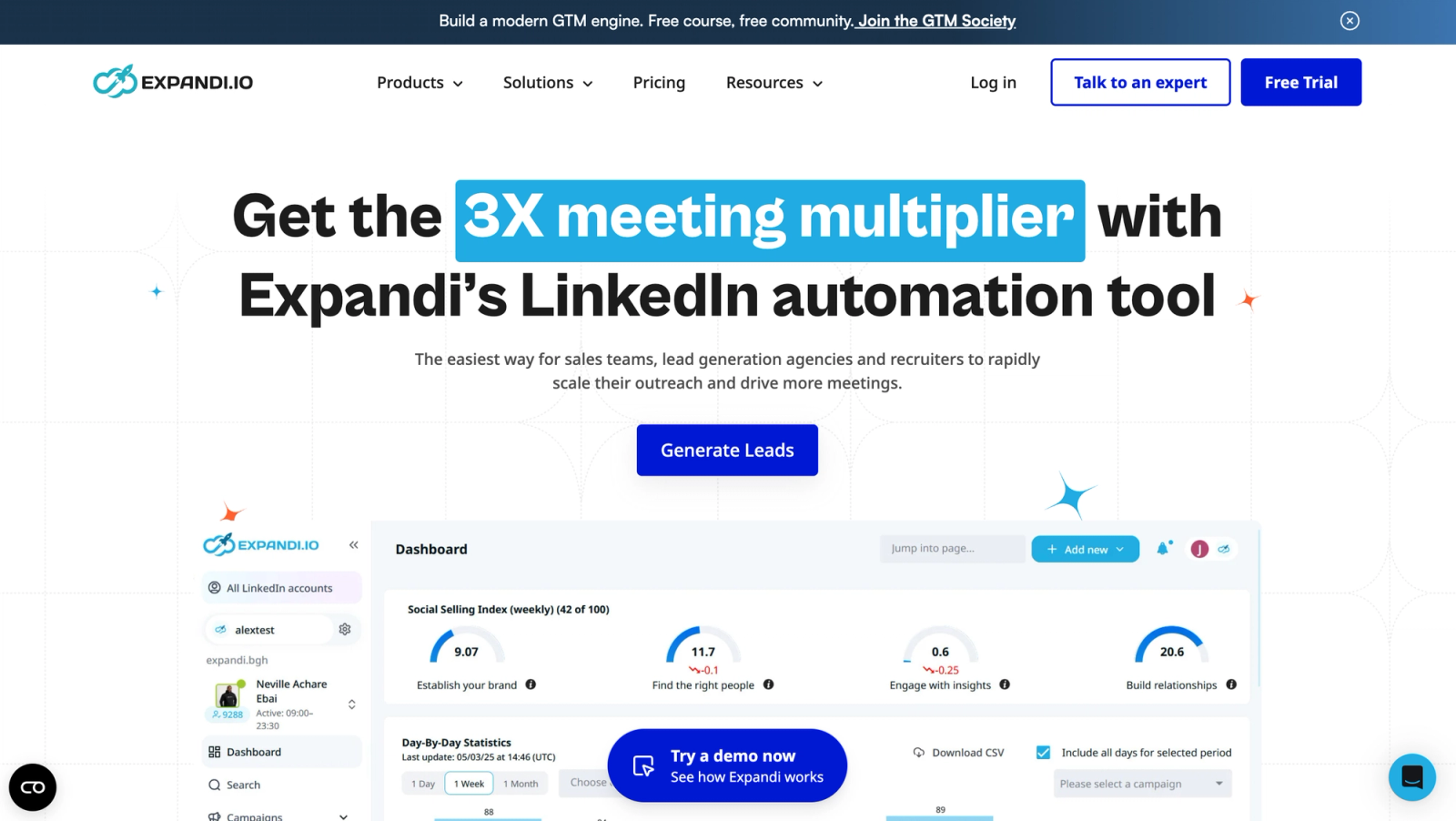
Expandi is the cloud-first option for teams that value campaign flexibility over a low license fee. The Business plan is $99 per LinkedIn account a month, or $79 on annual billing (20% off, two months free), with a 7-day trial that includes every feature. A custom Agency plan starts at 10 seats with a volume discount, dedicated customer success manager, white label, client reports and roles.
Each account gets a dedicated country-based IP and automatic profile warm-up. Workspaces are on every plan, and teammates and roles do not add seats, only connected LinkedIn accounts do. A global inbox spans the accounts in a workspace, and shared campaigns run one campaign across several accounts, batching leads every 24 hours by each account's daily limit and removing duplicates. Actions include connection requests, messages, InMail and Open InMail, profile visits, follows, post likes, skill endorsements, event invites and group messages. Email is native through an SMTP mailbox with threaded follow-ups, though no email warm-up was found, and it is still priced per LinkedIn seat. Integrations cover webhooks, Zapier and native HubSpot, Pipedrive and Salesforce. See the Expandi pricing page.
- Pros: dedicated country-based IP; shared campaigns and a global inbox across accounts
- Cons: priced per LinkedIn account; email uses SMTP without warm-up; Agency economics are custom
4. HeyReach
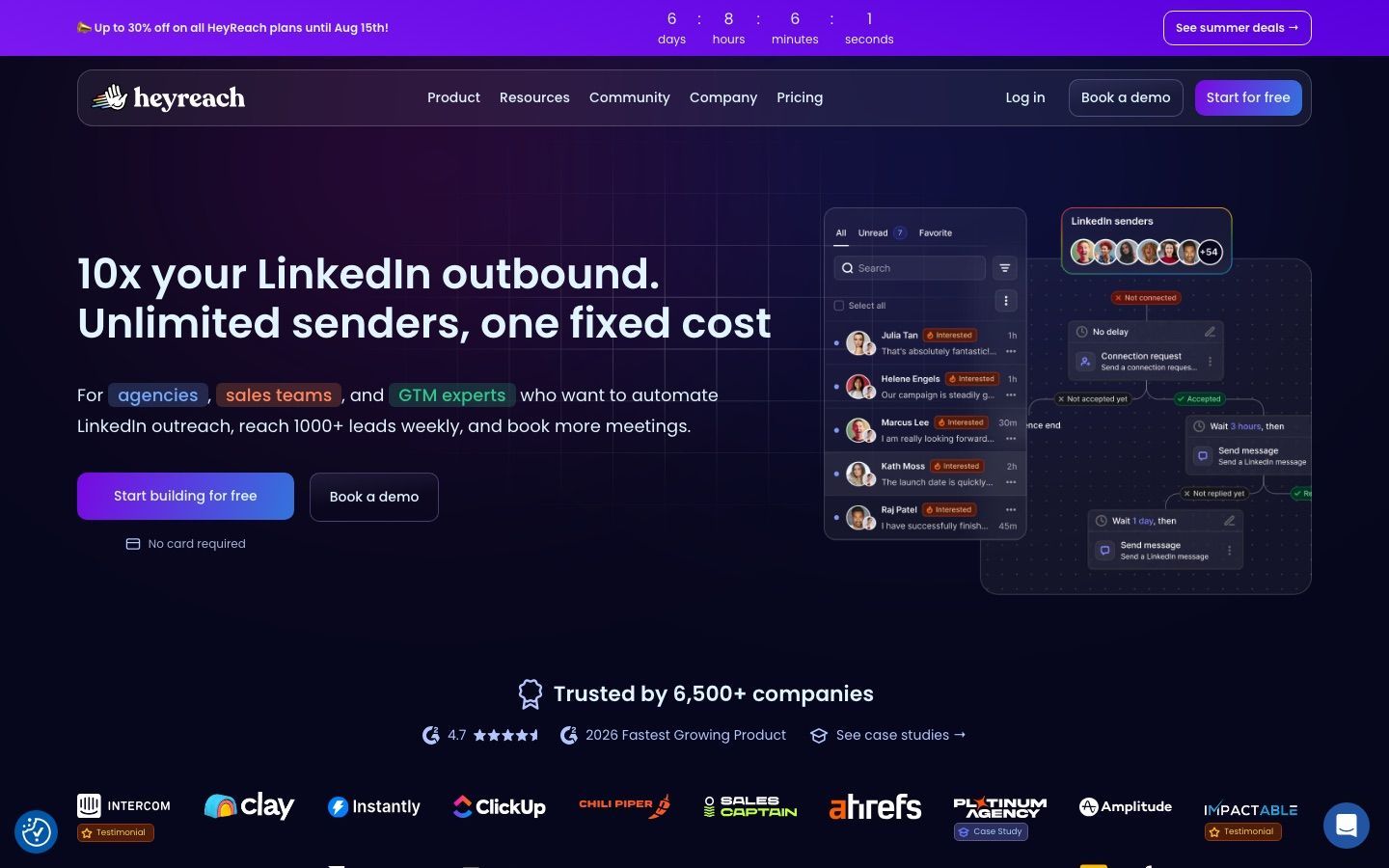
HeyReach fits agencies and teams whose main pain is running many LinkedIn accounts. Growth is $79 per sender a month, or $64 on yearly billing, dropping to $59 ($48 yearly) from 10 senders. The Agency plan is $999 for 25 senders ($800 a month billed yearly) or $1,399 for 50 ($1,120 billed yearly), and Unlimited is $2,999 ($2,399 billed yearly), capped at 300 senders under a fair-use policy. Users, clients and virtual assistants are free. Prices were read on 24 October 2026.
The unified inbox, API and webhooks are on every plan. HeyReach does not send email itself: email steps run through its native Instantly, Smartlead or EmailBison integrations, and its email credits are for finding addresses. There is no prospect database, so lists arrive from elsewhere. Read the HeyReach pricing page, and for a broader view see HeyReach alternatives.
- Pros: strong LinkedIn-first agency workflow; unified inbox, API and webhooks on all plans
- Cons: per-sender cost rises with team size; no native email or database, so a second tool is needed
5. Waalaxy
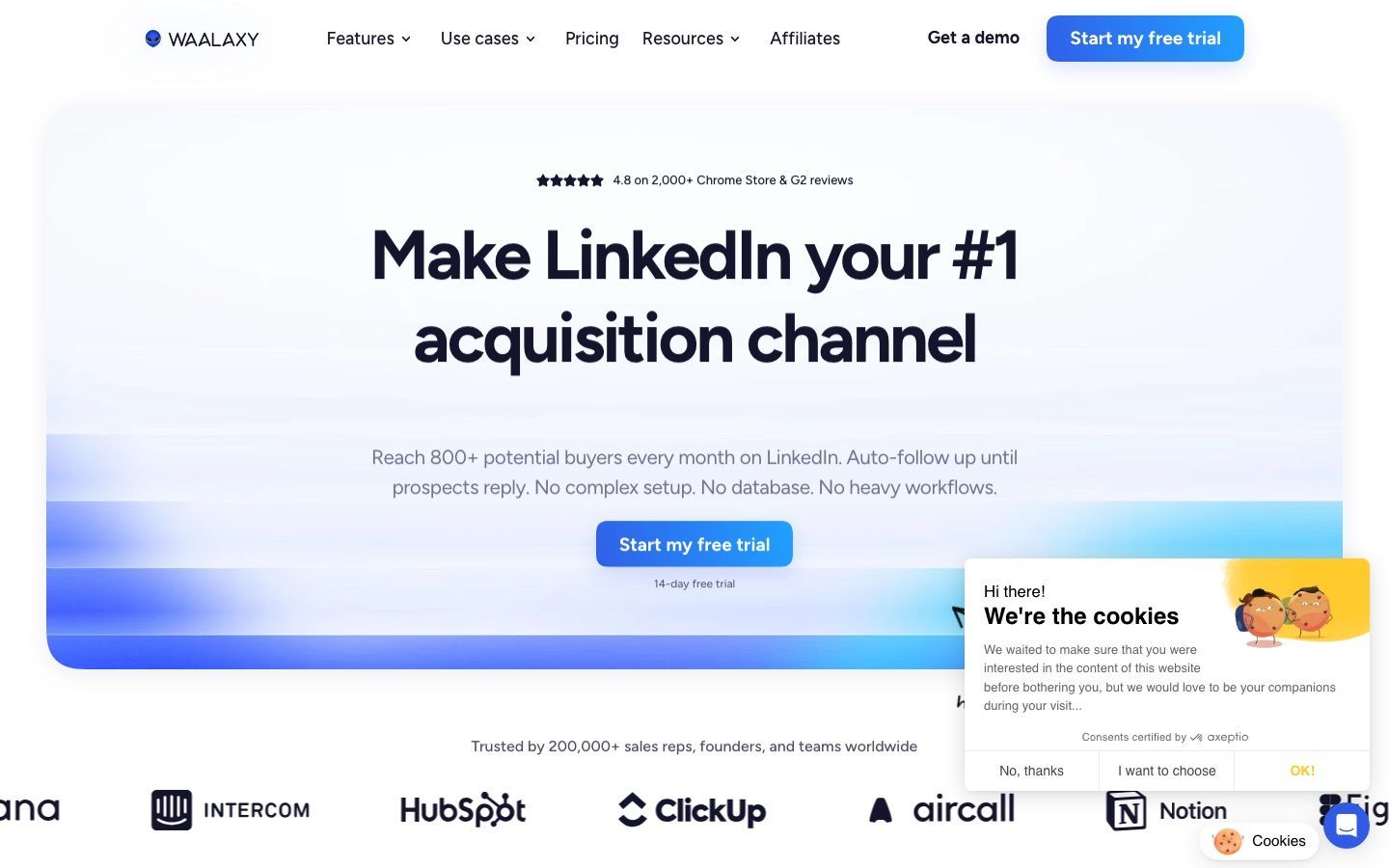
Waalaxy is the gentlest start for beginners. On monthly billing per user, Pro is €39, Advanced €99 and Business €139; quarterly billing takes about 20% off (€31, €79, €109) and yearly billing about half (€19, €49, €69 a month). Prices vary by country: seen from outside the euro zone on 8 October 2026, the page showed a lower US dollar grid, $19, $39 and $69 a month or $16, $32 and $55 billed yearly. Euro prices were read on 24 October 2026, other details on 30 September 2026.
Pro allows 300 invitations a month and Advanced and Business allow 800, within 200 a week, with 5,000 active prospects per campaign. Cold email sequences run only on Business, and Pro and Advanced do not send email. The email finder comes with monthly credits (25 on Pro and Advanced, 500 on Business). The API is on Advanced and Business, and CRM sync with over 2,000 tools is on every plan. LinkedIn actions are connection requests, messages, follows, profile visits and message requests, with no InMail, like or comment. Sequences are pre-built. Multiple accounts are handled by a Team plan from 2 licences, though each licence still drives one LinkedIn account, and the LinkedIn inbox is a paid add-on. A 14-day trial is listed on the Waalaxy pricing page. More options sit in Waalaxy competitors.
- Pros: accessible templates for beginners; CRM sync on every plan
- Cons: invitation allowances by tier; email only on Business; inbox sold as an add-on
6. Linked Helper
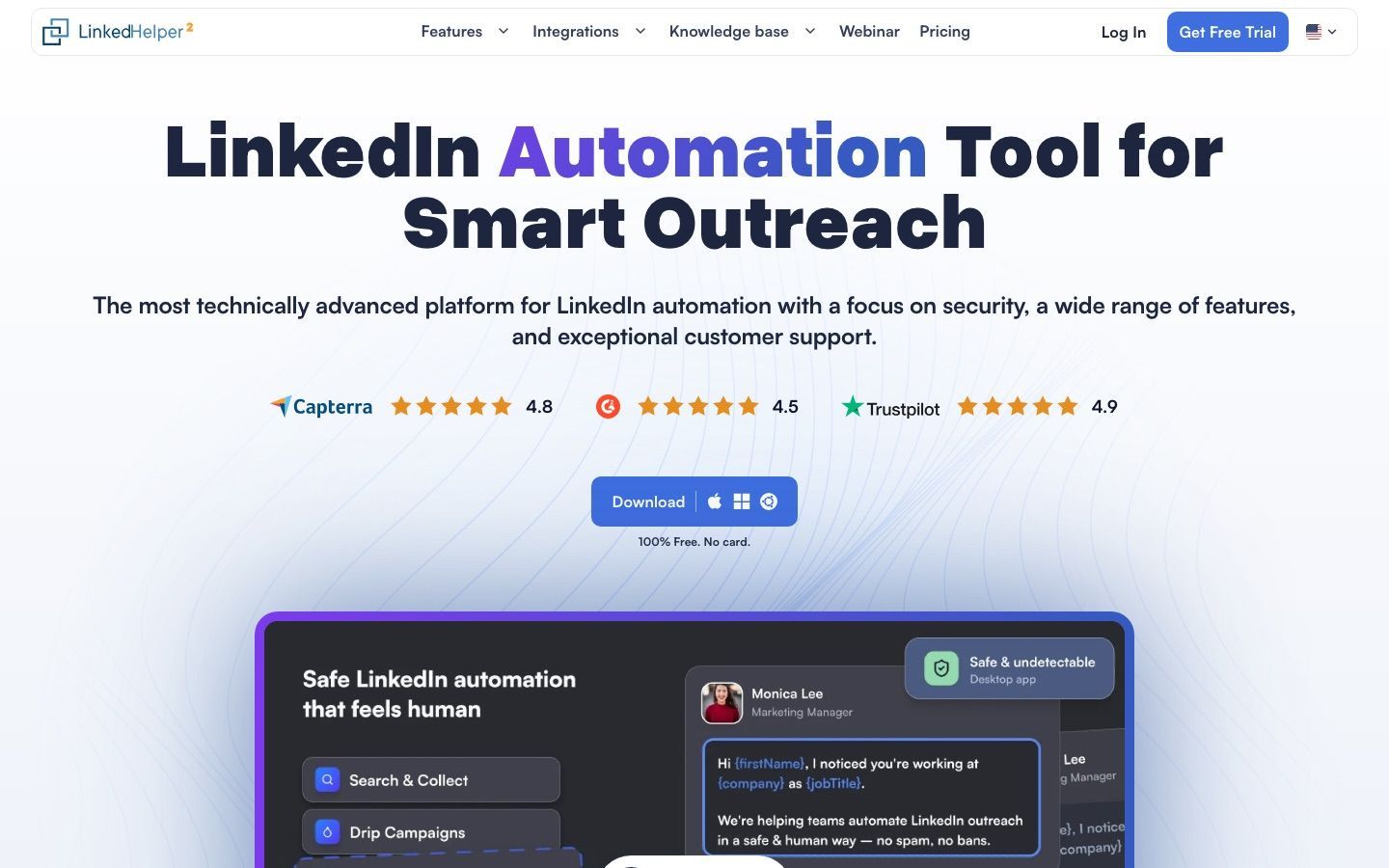
Linked Helper is the closest in spirit for a hands-on operator. It offers local and cloud storage, detailed actions and limits that are easy to see. It is compelling for control, but not simpler than Dux-Soup for a non-technical sales team. Figures below were read on linkedhelper.com on 24 October 2026.
Local storage costs $15 a month for Standard and $45 for Pro. Cloud storage costs $29.90 and $59.90. All four drop by up to 45% on 12-month billing. One license maps to one LinkedIn account. Standard caps several advanced actions and webhook exports at 20 a day, while Pro removes those limits. Local storage keeps campaign data on the operator's device, and cloud storage makes access and sharing easier. Check the Linked Helper pricing page, and read the Linked Helper alternatives guide if you are weighing it seriously.
- Pros: granular campaign actions; low published price for local use
- Cons: desktop-style operation asks more of the user; one license cannot run two accounts at once
7. PhantomBuster
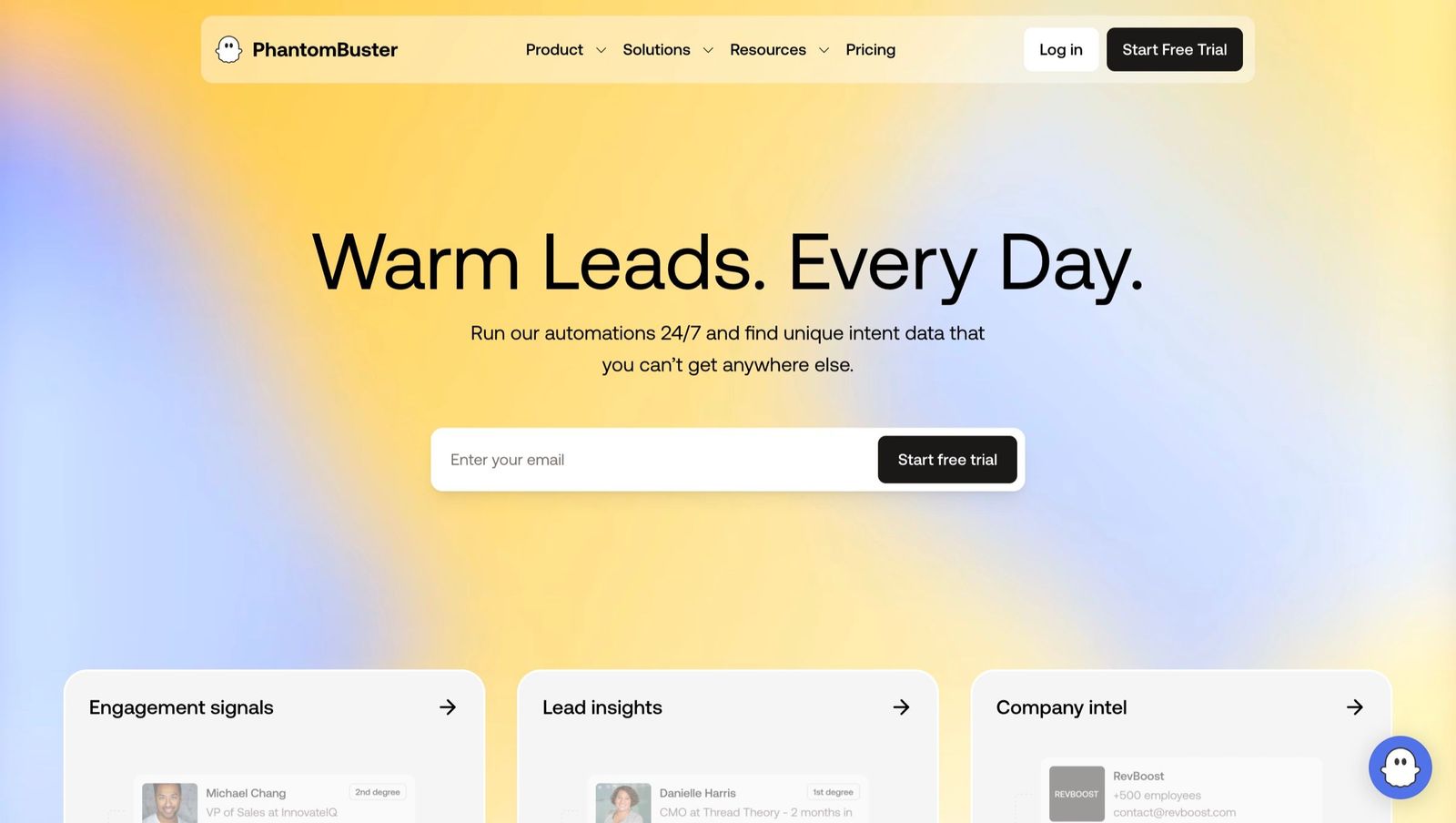
PhantomBuster fits people who started with Dux-Soup for extraction and now need broader web automation. It collects and moves data through many workflows, but it is not a sender management platform, and flexible automation capacity is not the same as managed LinkedIn campaign operations. See PhantomBuster alternatives for the wider picture.
It sells cloud execution time, slots and credits that you spend across automations. That is flexible for research and enrichment, but forecasting the cost of a sustained LinkedIn campaign means translating the workflow into runtime and slot use. Read the PhantomBuster pricing page.
- Pros: broad automation library beyond LinkedIn; useful exports and workflow composition
- Cons: usage-based cost is harder to predict than a sender plan; not an inbox-first sales platform
How do you test a Dux-Soup alternative?
A trial only helps if it reproduces the conditions that made you switch. Dripify and Expandi offer a 7-day trial and Waalaxy 14 days, all read on 24 October 2026. Cadency's free trial covers Essential only; Small Team and Scale are self-serve but start without a trial, so on those plans run the same checklist during your first month. Use it as a controlled comparison, and write the result down before committing to annual billing.
- Pick the right baseline. A STACKED local user automating a few actions should not test an agency platform as though the two were equivalent. A STACKED cloud user should compare always-on execution and recovery, not just the cheapest license.
- Rebuild one real campaign on a single account with conservative limits. Compare steps, conditions, reply detection and how much you can see about queued actions.
- Switch the operator machine off. This shows whether the tool truly runs in the cloud or leans on a browser or desktop process. Check what happens to scheduled actions.
- Test data portability early. Import a small list with custom variables, apply suppression rules, run the sequence and export statuses and messages. A polished tool is no upgrade if your data gets harder to retrieve.
- Check permissions. One person should be able to pause a sender without editing every campaign, and another should be limited to inbox work. If client workspaces exist, confirm nothing crosses between them.
- Compare total cost at the tier that gives the execution model you need. Include inbox add-ons, integrations, email credits and the operator time spent watching the system.
- Finish with a safety review. Confirm working hours, caps, warm-up, reply stops and what happens to an unhealthy account. No tool guarantees an account stays unrestricted, but a good one makes conservative operation visible and easy to enforce.
How do you migrate away from Dux-Soup?
Freeze the source design first. Export prospects, account ownership, tags, statuses, suppression lists, positive replies and the exact step sequence, and note which tool owns reply detection. Migrations fail when two platforms act on the same prospect, or when a suppression rule vanishes during import.
Then connect one low-risk sender to the replacement and rebuild one representative campaign. Test imports, variables, stop conditions, inbox routing and webhooks before moving more accounts. Keep the old workspace for reporting but pause its active campaigns, and only expand once the new workflow has completed a full reply cycle without duplicate actions.
Agencies can use the checklist in the HeyReach alternatives guide and compare economics in MeetAlfred alternatives and Waalaxy competitors. Cadency has separate pages for agencies and sales teams that show how each type of team sets up its senders and inbox.
Which Dux-Soup alternative should you choose?
Choose Cadency when a team sends volume and needs one campaign, one sender per lead and one inbox across LinkedIn and email. Pick Dripify for an individual seller, Expandi for flexible cloud campaigns, HeyReach for agency operations on LinkedIn, Waalaxy for guided workflows, Linked Helper for local control and PhantomBuster for extraction.
Judge the decision against the next twelve months, not the first. Count connected accounts, operators, client workspaces, inbox users and the work of keeping execution safe. A tool that looks expensive can cost less than stitching together proxies, warm-up, monitoring and reporting, and a cheap tool stays right when one skilled operator owns the whole workflow. Cadency's plans start at $89 a month, and its campaign builder is the place to see how one sequence runs across a pool.
Frequently asked questions
What is the best Dux-Soup alternative?
Dripify or Linked Helper for a single seller, HeyReach or Cadency for a team running several LinkedIn accounts together, Expandi or Waalaxy for guided cloud campaigns, and PhantomBuster for extraction work. Cadency fits best when a team sends volume across LinkedIn and email from one campaign; for one person with one account, several single-seat tools cost less than its $89 Essential plan.
Is Dux-Soup a browser extension or a cloud tool?
Neither label fits any more. As read on dux-soup.com on 24 October 2026, Dux-Soup now sells STACKED, powered by Dux-Soup, and its support centre says the older Pro, Turbo and Cloud Chrome extensions are deprecated. STACKED local is a desktop app that runs on your own machine, and STACKED cloud runs on Dux-Soup's infrastructure. Compare the edition you actually use with the replacement, because a local app and an always-on cloud platform are not a fair match.
Which Dux-Soup alternative is the cheapest?
Linked Helper and Waalaxy publish the lowest monthly entry prices, with Linked Helper local Standard at $15 and Waalaxy Pro at €39 a month, or €19 billed yearly, as read on 24 October 2026. Dux-Soup's STACKED starts at $55 a month per seat, or $41.25 billed annually, as read on dux-soup.com on 24 October 2026. Cadency is not the cheapest option: it starts at $89 a month. The cheapest useful tool depends on campaigns, daily actions, cloud execution and inbox needs.
Which Dux-Soup alternative has a free trial?
Dripify offers a 7-day trial with no card, Expandi a 7-day trial with all features, and Waalaxy a 14-day trial per its pricing page, all read on 24 October 2026. Cadency's free trial covers Essential only; Small Team and Scale are self-serve but start without a trial. Linked Helper gives 14 days of full Pro access with no card, and Dux-Soup advertises a free 14-day trial, both read on 24 October 2026. Check PhantomBuster on its own pricing page.
Which Dux-Soup alternative is best for agencies?
HeyReach and Cadency are the most direct fits for agencies, and Expandi has a custom Agency plan from 10 seats. HeyReach charges per LinkedIn sender and does not send email itself. Cadency runs one campaign across the whole sender pool with unlimited workspaces and mailboxes, and adds LinkedIn senders at $39 or $25 each. Compare the cost at your real sender count.
Can I move my Dux-Soup data to another platform?
Yes, prospect data can move because Dux-Soup supports CSV exports and integrations. Campaign logic and live state usually have to be rebuilt by hand. Export tags, statuses, suppression lists and message history where available, then test the new tool on a small isolated segment before you retire the old setup.
Do Dux-Soup alternatives reduce LinkedIn restriction risk?
No vendor can remove restriction risk, because the account owner still controls targeting and behavior. A good replacement adds dedicated proxies, pacing, per-account ceilings, monitoring and permissions, which make conservative operation easier to enforce. Keep limits low, stop sequences when a reply arrives and never run two tools on the same account.
Ready to run LinkedIn and email from one engine?
Cadency pools every LinkedIn sender and mailbox into one campaign and one inbox. Essential starts at $89 a month with 2 LinkedIn senders and a free trial.