
The best LinkedIn automation tools in 2026, by situation: Waalaxy or Dux-Soup for one account and a first campaign, Dripify for a small team that wants guardrails, Cadency for teams running five or more LinkedIn senders with email in the same campaign, HeyReach for agencies rotating 25 or more accounts on a flat fee, Expandi or Skylead for per-seat cloud automation, and lemlist, Apollo or La Growth Machine when email or calls lead and LinkedIn supports. Sales Navigator is the targeting layer under all of them. Below, all twelve are compared on price, sender rotation, safety architecture and channels.
Most buying guides in this category rank tools by feature count. That is the wrong axis. LinkedIn's limits are enforced per account, so the number of accounts that will actually send is the variable that decides almost everything else: which architecture is safe, whether you need rotation and a shared inbox, and whether per-seat or bundled pricing is cheaper. This list is organised around that number. Prices were read from each vendor's own pricing page on 24 October 2026 unless another date is given; the vendors change them without notice, so verify before you sign.
Which LinkedIn automation tool fits your team size?
Start here if you want the short version. Each row names the tool that fits a situation, and the rest of the article explains why.
| Your situation | Start with | The reason in one line |
|---|---|---|
| One LinkedIn account, first outbound campaigns | Waalaxy or Dux-Soup | Waalaxy runs in the cloud and is cheap to start, Dux-Soup runs as a local app or in its cloud, and both give one person enough sequencing |
| One to three reps who need visible guardrails | Dripify | Daily activity controls and team analytics on Advanced, with LinkedIn and email in one sequence |
| One rep who wants LinkedIn and email from the same seat | Skylead | Smart Sequences across both channels at a flat per-seat price |
| Campaign managers standardising per-account setups | Expandi | Cloud automation with country-based IPs and daily limits per seat |
| Team or agency with 5 to 20 senders, LinkedIn and email in one campaign | Cadency | One campaign across every sender and mailbox, one thread per lead |
| Agency rotating 25 or more accounts, able to run its own proxies | HeyReach Agency (25 senders) | Flat $999 a month for 25 senders, roughly $40 each |
| Email carries the pipeline, LinkedIn warms it | lemlist or Apollo | Email-first sequencing with LinkedIn steps as supporting touches |
| Sequences that span LinkedIn, email, X and calls | La Growth Machine, or Meet Alfred on Business or Teams for LinkedIn and email (its X campaigns are under maintenance) | Multichannel orchestration with a central inbox |
| Targeting before any of the above | LinkedIn Sales Navigator | The deepest filters available, saved searches and job-change alerts |
What counts as a LinkedIn automation tool?
A LinkedIn automation tool is software that performs outreach actions on a LinkedIn account on your behalf: profile visits, connection requests, messages, InMails and follow-ups, arranged into sequences and held inside daily ceilings. It is the execution layer. It does not decide who to contact; that job belongs to a targeting layer such as Sales Navigator or a B2B database, which is why two of the twelve entries here (Sales Navigator and Apollo) are not pure automation tools at all. They are included because almost every working stack pairs a targeting layer with an execution layer, and it helps to see both on one page.
Two things separate the tools inside the execution layer. The first is architecture: whether the tool runs in your own browser through an extension or on a server in the cloud with an IP assigned to each account. The second is whether one campaign can send through many accounts, with replies pooled into one inbox, or whether each seat is its own island. Both are covered in detail later, and both matter more than the length of anybody's feature list.
It also helps to be clear about what no tool in this category does. None of them will repair a vague ICP, and none will make a generic message land. Automation multiplies whatever you feed it: a sharp segment and a message tied to a real trigger get multiplied into meetings, while a broad list and a template get multiplied into ignored invitations and, eventually, a restricted account. Judge the tools on how well they execute a good plan, not on whether they promise to replace one.
How do the 12 LinkedIn automation tools compare?
| Tool | Runs where | Rotation across accounts | Channels | Published price (read 24 October 2026 unless noted) | Best fit |
|---|---|---|---|---|---|
| Cadency | Cloud, dedicated proxy per sender | Yes, one campaign across every LinkedIn sender and mailbox | LinkedIn (8 step types) plus email | Essential $89 a month with 2 LinkedIn senders and Small Team $199 with 5, $39 per extra on both; Scale $699 with 20 senders | Sales teams, agencies and recruiters with 5+ senders |
| HeyReach | Cloud, residential proxy per sender on Growth, bring your own on Agency and Unlimited | Yes | LinkedIn only; email through Instantly, Smartlead or EmailBison | Growth $79 per sender ($64 yearly), $59 from 10; Agency $999 for 25 senders or $1,399 for 50; Unlimited $2,999, capped at 300 senders; read 24 October 2026 | Agencies rotating 10+ accounts |
| Expandi | Cloud, country-based dedicated IPs | Yes, Shared Campaigns across accounts; billed per seat, custom Agency pricing from 10 accounts | LinkedIn plus email over SMTP | Business $99 per seat ($79 annual), read 24 October 2026 | Agencies and campaign managers |
| Skylead | Cloud | Per seat | LinkedIn plus email | $100 per seat flat, enrichment credits extra | Teams that want both channels per seat |
| Dripify | Cloud | Per user | LinkedIn plus email | Pro $79, Advanced $99 ($59 and $79 annual), Enterprise custom, read 24 October 2026 | Small SDR teams |
| Waalaxy | Cloud, from its web app, no extension | Per user | LinkedIn, multichannel on Business | Pro €39 (300 invites a month), Advanced €99, Business €139 on monthly billing, or €19, €49 and €69 billed yearly; a lower US dollar grid outside the euro zone; read 24 October 2026 | Solo operators and first campaigns |
| Dux-Soup | Desktop app on your machine, or Dux-Soup's cloud | Per seat | STACKED local $55 a month per seat ($41.25 annual), cloud $99 ($74.17 annual), read 24 October 2026 | Freelancers, recruiters, lean teams | |
| Meet Alfred | Cloud | Per user | LinkedIn; email and X on Business and Teams, X under maintenance | Individual $59, Teams $79 (3-seat minimum), Business $99 per user ($35, $47 and $59 annual), read 24 October 2026 | Small teams wanting CRM and scheduler bundled |
| lemlist | Cloud, email-first | One LinkedIn account per seat; a multi-sender campaign can spread leads across several seats' accounts | Email, LinkedIn, calls, WhatsApp, SMS | Multichannel $109 per user ($87 annual); Email plan from $69 per workspace for 50,000 emails has no LinkedIn steps; read 24 October 2026 | Email-led outbound teams |
| La Growth Machine | Cloud | Per identity | LinkedIn, email, X, calls | Per identity plus enrichment credits | Sequence-first GTM teams |
| Apollo | Extension plus platform | Assisted LinkedIn actions only | Email, phone, LinkedIn assist | Free tier with credits, paid tiers above | Teams consolidating data and sequencing |
| Sales Navigator | Native LinkedIn | Not an automation tool | LinkedIn search and InMail | Priced by LinkedIn per plan and region | Targeting under any tool above |
Which LinkedIn automation tools are built for many senders?
Once more than a handful of accounts are sending, the problem stops being "how do I automate a sequence" and becomes "how do I keep twelve accounts healthy, stop two of them contacting the same person, and make sure somebody sees the reply". Four tools on this list were designed for that job.
1. Cadency
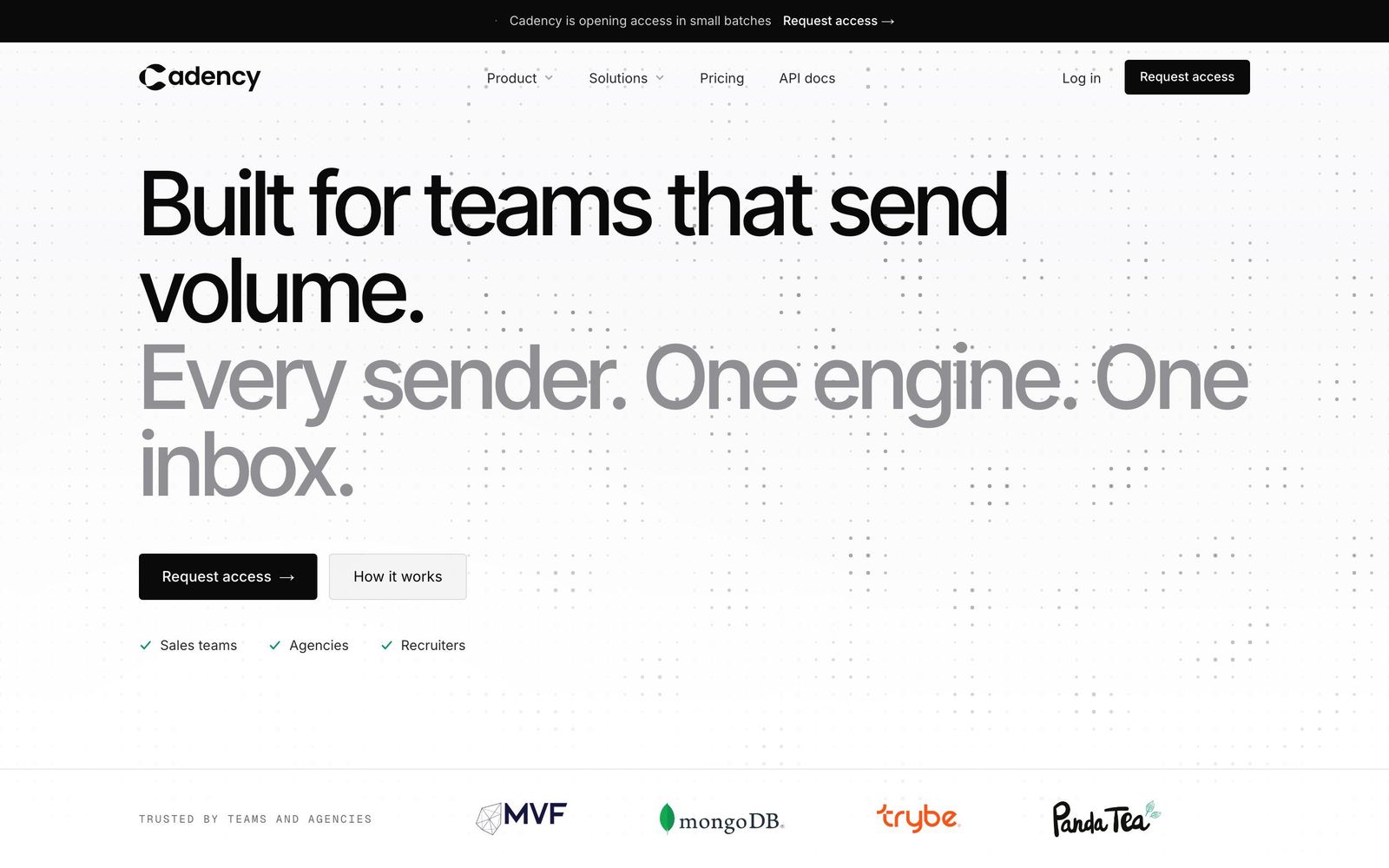
Cadency is outreach software for teams that send volume on LinkedIn and email, and the whole product follows from one design decision: a campaign is not tied to a sender. You connect every LinkedIn account your team owns and every Google or Microsoft mailbox, and one campaign runs across all of them, with sender rotation assigning exactly one sender to each lead and holding every account under its own ceiling. Replies from LinkedIn and email land in a shared inbox as one thread per lead, which any teammate can pick up and answer as whichever sender started the conversation. Only conversations that began in Cadency are tracked, so the rest of a rep's LinkedIn inbox stays private.
The LinkedIn side covers eight step types: profile visit, connection request, message, InMail, a comment on the prospect's latest post (drafted by AI, published only after you approve it), voice note, like and follow. Sequences can branch on whether the lead connected, replied or had an email found, with waits and A/B splits between steps. Email is not an add-on bolted on later: mailboxes get warm-up, there is no limit on how many you connect, and they rotate inside the same campaign as the LinkedIn senders. Small Team includes 100,000 emails a month.
On safety, everything is cloud based, so nothing runs from a rep's browser. Each sender gets a dedicated proxy, activity is paced, ceilings are enforced per sender rather than per campaign, and checkpoints are handled rather than left to fail silently. Teams that need more reach than their own accounts allow can ask for ambassador accounts, vetted LinkedIn profiles operated on their behalf.
For data, Cadency ships a native B2B database with people and company search, waterfall enrichment that queries several providers and charges only for verified hits, and CSV and Sales Navigator imports for teams that already build lists elsewhere. An API and webhooks come with every plan, which is how a CRM or ATS is connected; there is no native CRM sync to switch on, so plan on a short integration.
Pricing is by team rather than by seat. Essential is $89 a month with 2 LinkedIn senders included, $39 for each additional sender and 100,000 emails a month. Small Team is $199 a month with 5 LinkedIn senders included and $39 for each additional sender. Scale is $699 a month with 20 LinkedIn senders, $25 per additional sender, 500,000 emails a month (1 million for $200 more, 2 million for $500 more) and priority support. Every plan includes unlimited mailboxes, unlimited teammates and workspaces, sequences, reporting, API and dedicated support. Annual billing takes 30 percent off, to $62, $139 and $489. Full detail is on the pricing page.
The honest limits: there is no single-seat plan, so a solo rep with one profile pays $89 a month for Essential's two LinkedIn senders, and the free trial covers Essential only: you can start a free trial there, while Small Team and Scale are self-serve but start without one. Where it earns its place is the 5 to 20 sender range, where per-seat tools become expensive and flat agency tiers have not kicked in yet, and for agencies that want LinkedIn and email under one campaign without a second tool for the mailboxes.
2. HeyReach
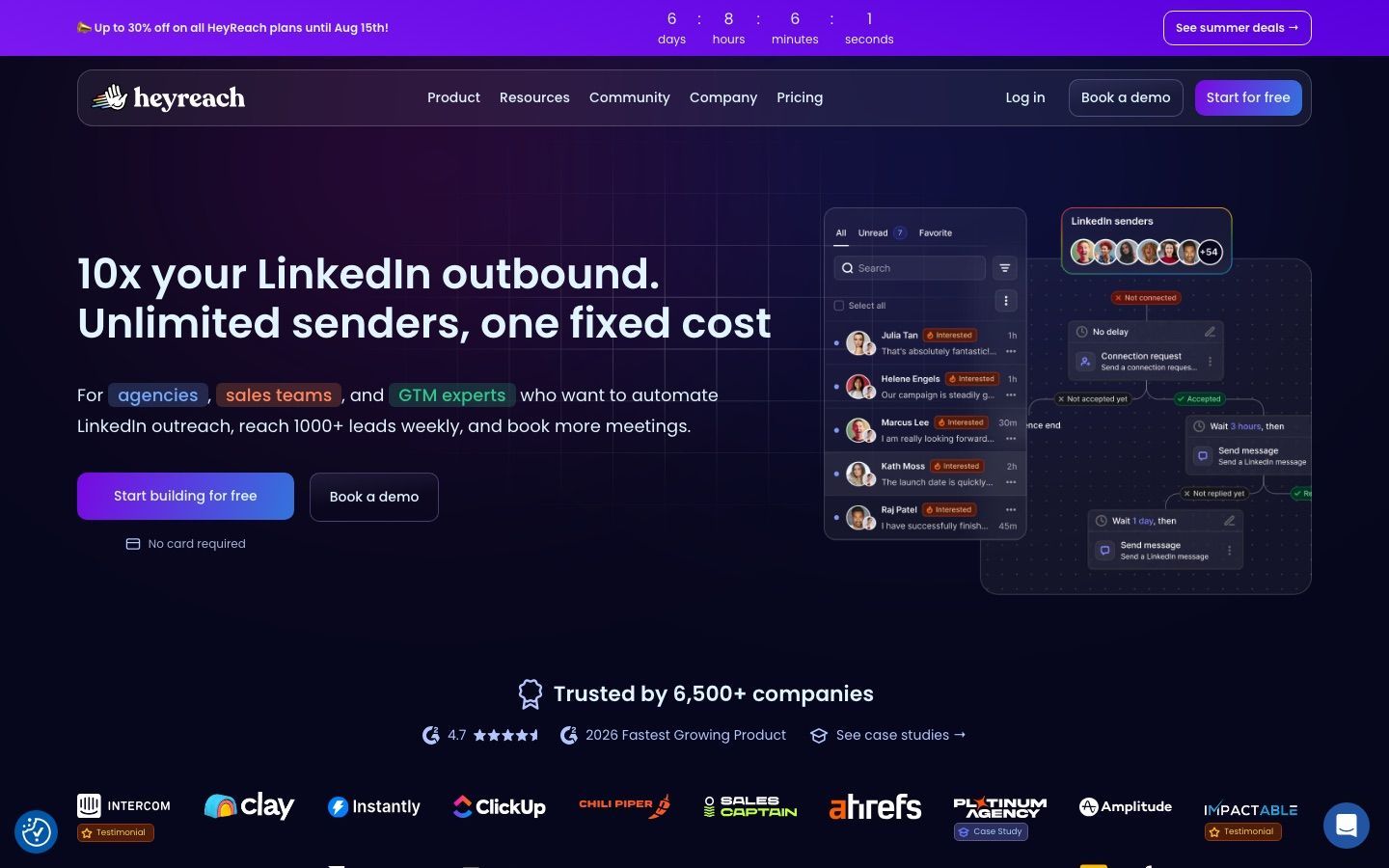
HeyReach is the tool agencies name first when the conversation turns to rotation, and it deserves the reputation. Campaign volume is spread automatically across every connected account so no single profile takes the risk, the Unibox collects every conversation from every account into one view, and client workspaces keep each client's senders, data and campaigns apart behind one login. White-label branding comes with the agency plans, and the bill is per LinkedIn sender, never per user, so teammates, VAs and clients cost nothing to add.
It also plugs into the modern GTM stack without friction: native Clay, Zapier, Make and HubSpot integrations, an open API with webhooks, native Instantly, Smartlead and EmailBison integrations to add email, and an MCP server for agent-driven workflows. Note the word "add" on email: HeyReach itself sends only on LinkedIn, and multichannel means a second subscription.
The pricing has two distinct shapes, as read on 24 October 2026. Growth is $79 a month per sender, $64 on yearly billing, dropping to $59 ($48 yearly) from ten senders, with a dedicated residential proxy included for each sender. The flat-fee model begins with the Agency plan, $999 a month for 25 senders (roughly $40 each) or $1,399 for 50, then Unlimited at $2,999 a month, capped at 300 senders under a fair-use policy. Two consequences follow. Below about five senders the per-sender rate is steep: three senders on Growth cost $237 a month. And the flat-fee tiers require you to bring your own proxies, which is a real operational job for somebody on your team.
Pick HeyReach when you are an agency rotating 10 or more accounts and the flat fee beats what you would pay per sender elsewhere. Our HeyReach review goes deeper on the workspaces, and the Cadency versus HeyReach comparison lines up the two rotation models side by side, including where proxies and email sit on each bill.
3. Expandi
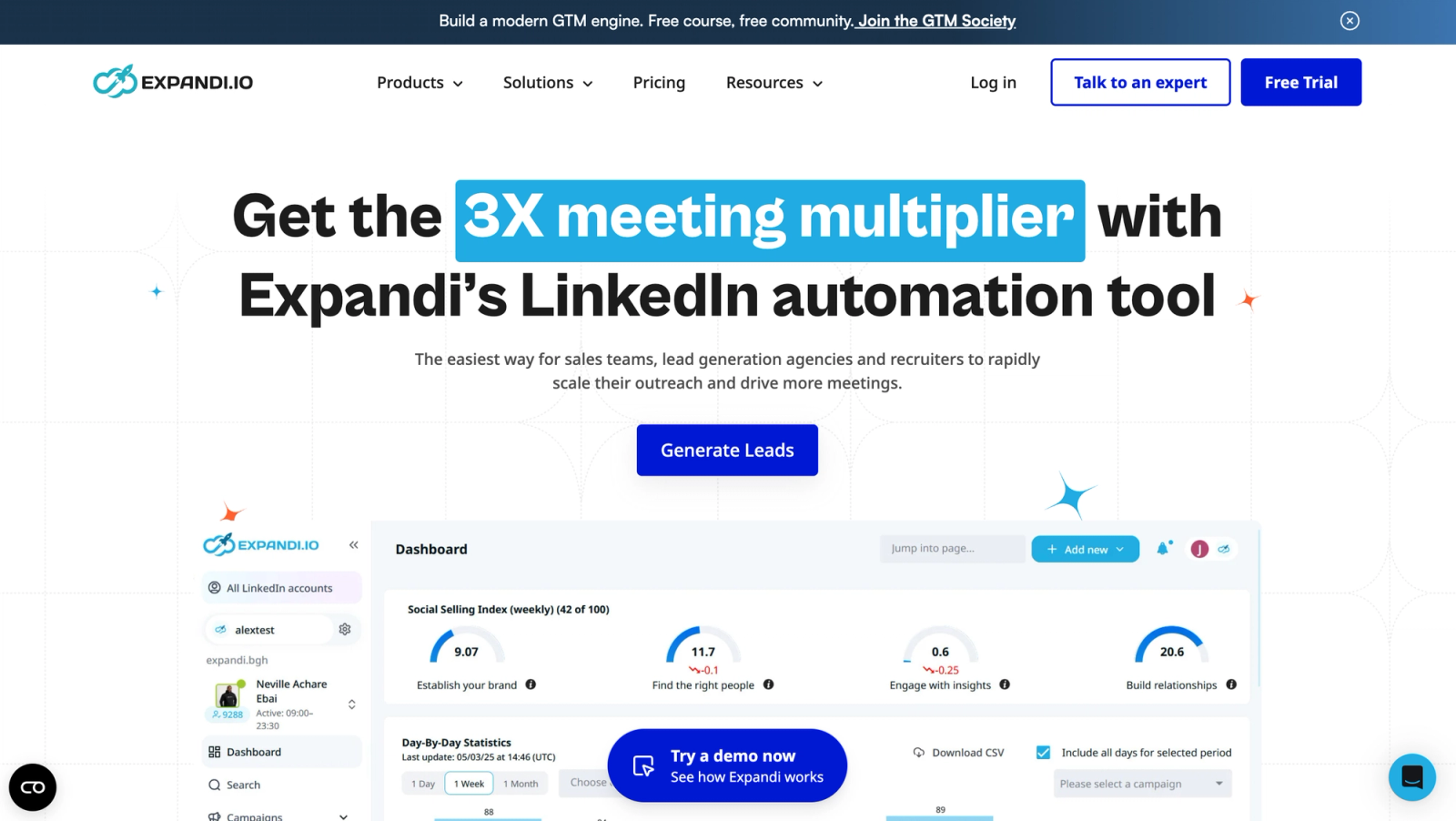
Expandi built its name on cloud automation that puts the safety mechanics in front of you rather than behind a curtain. Throttling, warm-up behaviour, daily limits and dedicated country-based IPs are configured as part of the product, and campaign templates and sequencing make it straightforward to set every account up the same way. For an agency or an always-on outbound team, that consistency is the point: the fifth account behaves like the first. Workspaces come with every plan and teammates add no seats, a Global Inbox collects replies from every account, Shared Campaigns spread one campaign across several accounts, and email steps run natively from a mailbox connected over SMTP.
The Business plan is $99 a month per seat, or $79 a month on annual billing, and a seat means one automated LinkedIn account. At 10 accounts or more you move to custom Agency pricing. That places Expandi among the more expensive single-account options in this list, so the question to answer before buying is whether you will use the depth you are paying for.
Expandi rewards teams that arrive with a defined ICP and a message angle they have already tested. It provides a stable environment for running campaigns; it will not compensate for weak targeting or templated copy, and it is still third-party automation on top of LinkedIn, so stacking too many automations or recycling thin personalisation exposes the account the same way it would anywhere. The Cadency versus Expandi page sets out how per-seat pricing compares with a bundled sender pool once you pass five accounts.
4. Skylead
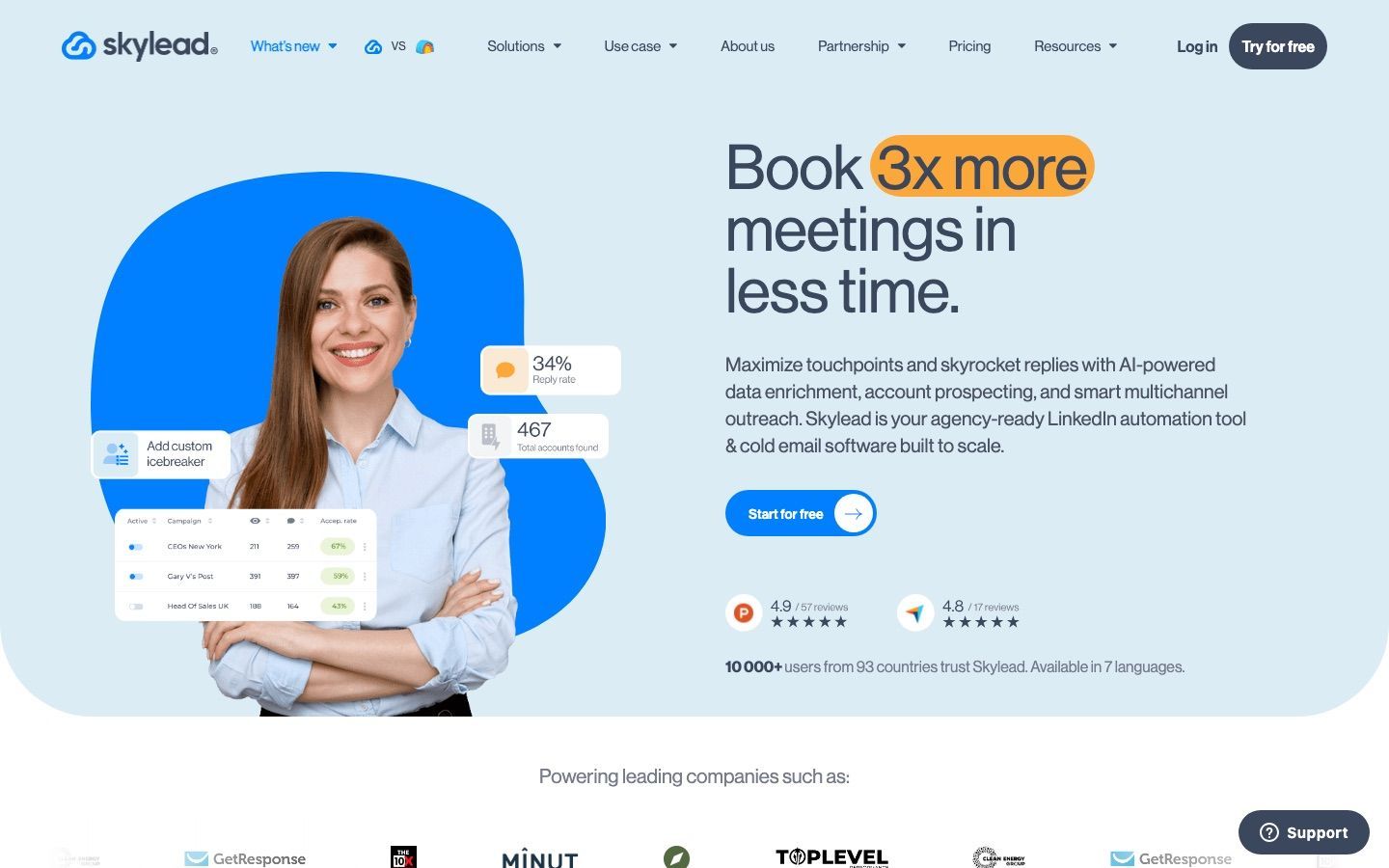
Skylead is for teams who already believe one channel is not enough. Its Smart Sequences coordinate LinkedIn and email steps inside one flow, so a prospect who ignores a connection request can still receive an email a few days later without anybody wiring two systems together. Personalisation goes further than most: image and GIF personalisation, custom variables with Spintax and Liquid syntax, a Smart Inbox for replies, plus API integration and webhooks for connecting whatever your team runs on. Email warm-up and account controls are built in, and there are agency options.
Pricing is a flat $100 a month per seat for the all-in-one plan as read on skylead.io on 24 October 2026, with agency plans published at $999 for 25 seats (a first-year promotion) or $1,999 for unlimited seats, and annual arrangements handled through a sales call. Contact, company and AI enrichment credits are billed on top at $1 per 100, so the real monthly figure climbs once you lean on the data features at scale.
The trade-offs are setup and cost predictability. Skylead asks for more configuration than the simpler tools, and seats plus data credits add up faster than the flat headline suggests. But if you want LinkedIn and email under one roof at a per-seat price, and you are not yet at the sender count where a pooled plan makes sense, it is a serious contender.
Which LinkedIn automation tools suit one rep or a small team?
At one to three accounts, rotation and client workspaces are overhead you will never use. What matters is a low barrier to a first campaign, clear daily controls, and a price that does not need a spreadsheet to explain.
5. Dripify
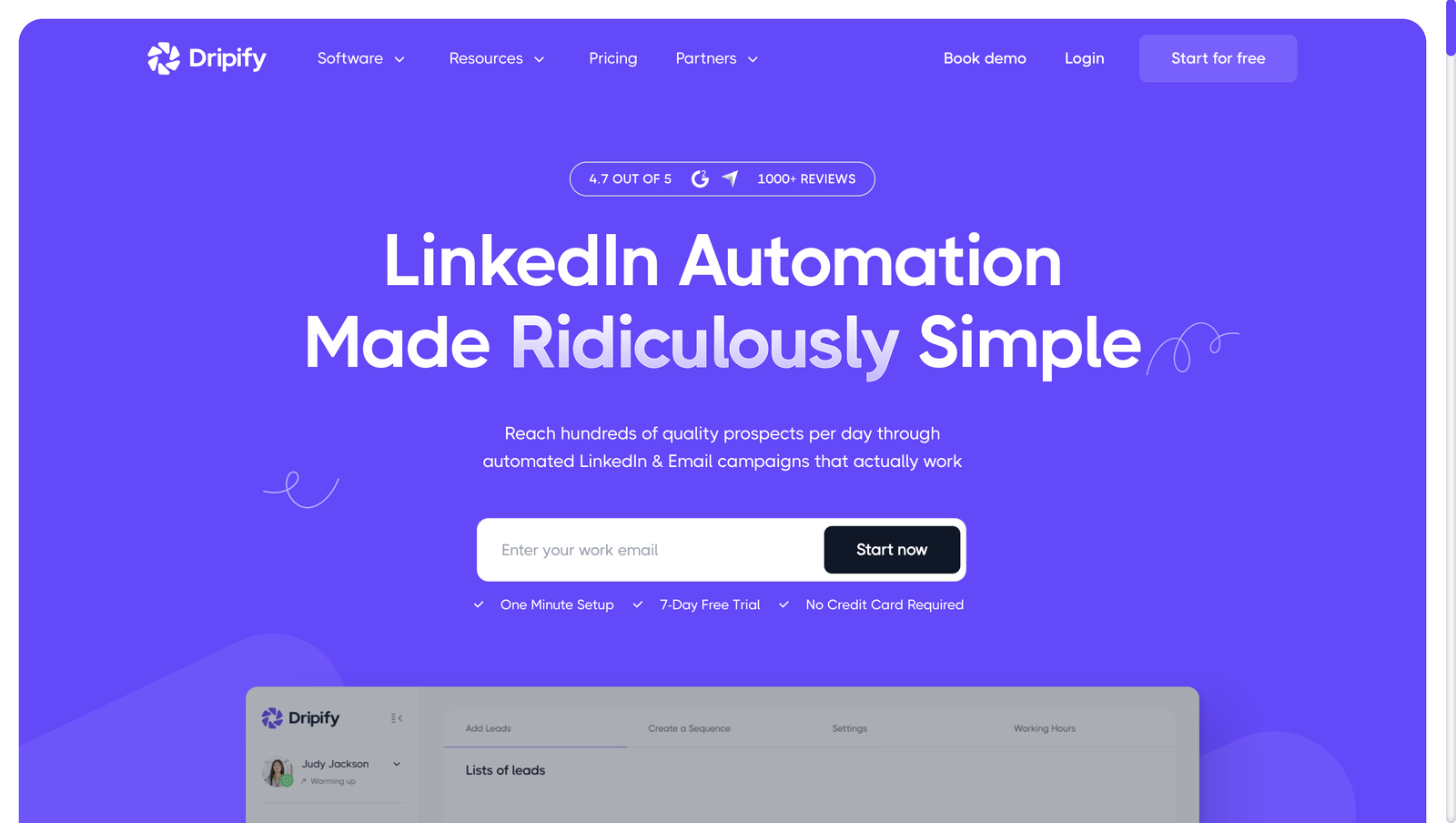
Dripify occupies the sensible middle: more structured than the beginner tools, far less sprawling than the multichannel suites. It gives a small team drip sequences that mix LinkedIn and email steps on every paid plan, a dedicated inbox and CRM sync through HubSpot, Zapier and webhooks from Pro, and team roles, lead tagging, team templates, step analytics and daily activity controls that managers can actually see on Advanced. It runs in the cloud rather than in the rep's browser.
The tiers are simple to model: Pro is $79 a month per user and Advanced $99, dropping to $59 and $79 on annual billing, as read on 24 October 2026; Enterprise is custom. Apart from 100 email-finder credits a month, there are no credits or usage meters to forecast; the limits are daily quotas, the same on Pro and Advanced: up to 75 connection requests, 100+ messages and 30 Sales Navigator InMails a day.
Dripify is strongest where discipline matters more than experimentation. On Advanced, a sales manager can compare usage across reps, share templates and keep outreach habits consistent, which makes coaching a matter of looking at behaviour rather than guessing. The limitation is the seat and the email volume: every LinkedIn account needs its own seat, the team features need Advanced, and although email runs natively in the same sequence, Dripify's cold email page caps sending at 200 emails a day on Pro and Advanced, so a team that leans on email at scale or wants richer data handling will eventually look elsewhere. The Cadency versus Dripify comparison covers the point where that switch usually happens.
6. Waalaxy
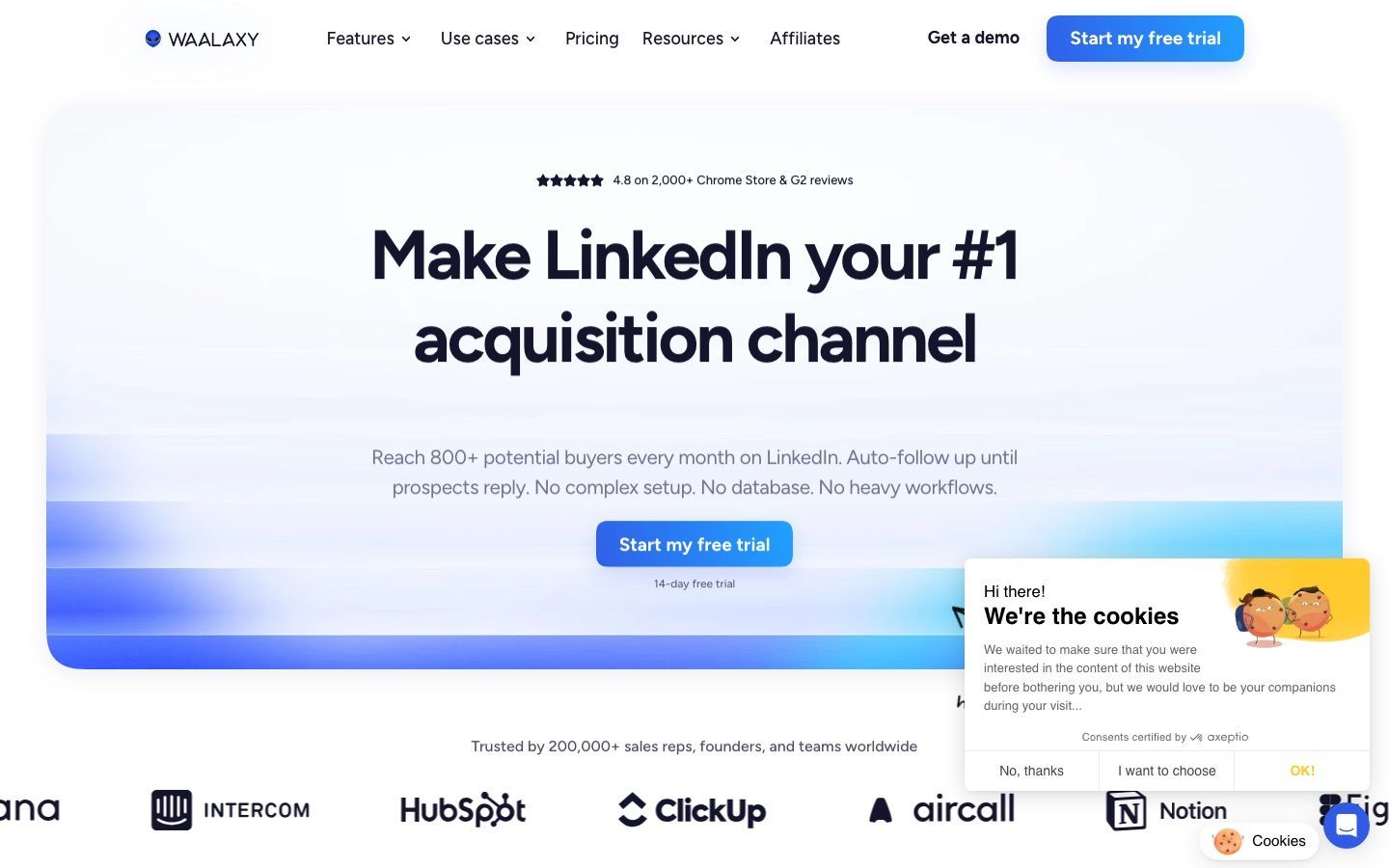
Waalaxy is the easiest recommendation for a solo operator or a very small team, because it gets adopted. The interface is approachable, the prebuilt sequences and follow-up automation cover the basics, and the upgrade path into multichannel is easy to read. Team collaboration and analytics are there when you need them, CRM sync with 2,000+ tools comes on every plan, and the Zapier, Make and n8n modules and API access start at Advanced. It runs fully in the cloud from its web app, with no Chrome extension, so campaigns keep running with the browser closed, though Waalaxy says up to five users share each fixed sending IP and describes no managed warm-up.
As read on 24 October 2026, Waalaxy's euro pricing starts at €39 per user a month on Pro, or €19 billed yearly, which includes 300 invitations a month, then €99 (€49 yearly) on Advanced for 800 invitations and €139 (€69 yearly) on Business, also at 800 and the only tier with email. Quarterly billing takes about 20 percent off. Prices vary by country: seen from outside the euro zone on 8 October 2026, the page showed a lower US dollar grid, $19, $39 and $69 a month or $16, $32 and $55 billed yearly. A free Freemium mode keeps your data but runs no automation, so the real test is the 14-day trial, which needs a credit card and converts to paid unless you cancel.
The ceiling is real. Personalisation is more templated than strategic, and a lighter tool leaves more of the safe-operating discipline to the user. Once you move into multiple senders, client delivery or serious reply routing, you will outgrow it. Our Waalaxy review looks at the tiers in detail, and the Cadency versus Waalaxy page shows where a first-campaign tool and a volume platform diverge.
7. Dux-Soup
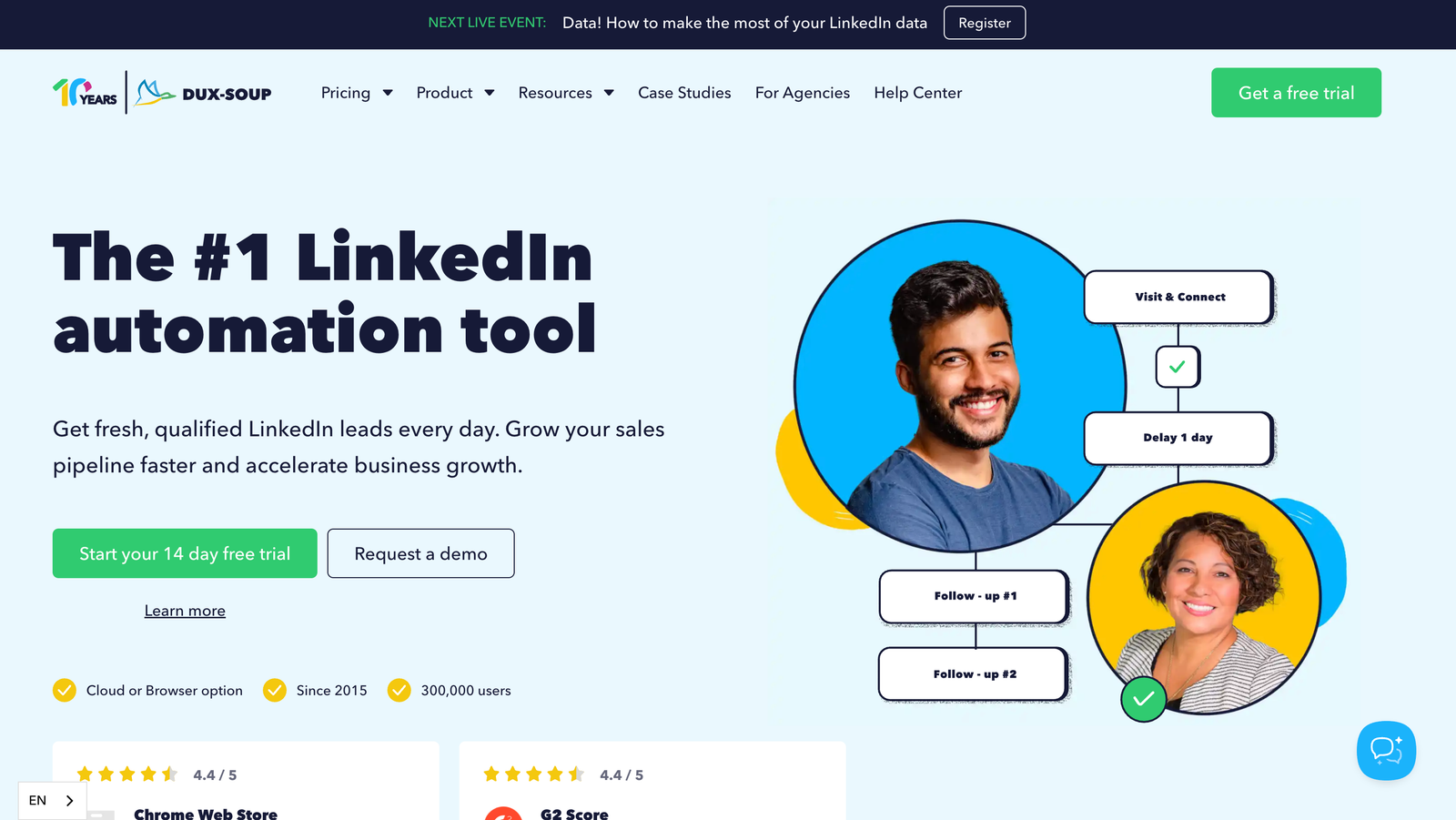
Dux-Soup has been in this market long enough that most outbound operators have either run it or inherited a campaign built on it, and maturity brings predictable behaviour and thorough documentation. You choose between STACKED local, a desktop app for Mac and Windows, and STACKED cloud, which runs on Dux-Soup's infrastructure. You build campaigns from a menu of up to 12 LinkedIn actions, export leads to CSV, and connect to HubSpot, Pipedrive and Salesforce. Its support centre says the older Pro, Turbo and Cloud Chrome extensions are deprecated.
Its audience is freelancers, recruiters and small lead-generation shops. As read on dux-soup.com on 24 October 2026, STACKED local is $55 a month per seat ($41.25 billed annually) and STACKED cloud is $99 ($74.17 annually), so cloud delivery costs $44 a month more per seat on monthly billing.
The caution applies to the local edition, as it does to any tool that runs from your own machine: activity runs only while the app is running on that machine, and it needs a light touch. The cloud edition removes that dependency. Dux-Soup does list AI-assisted message personalization, but we found no signal scoring or multi-sender orchestration described, so it suits teams that want reliable basics with CRM connectivity better than teams whose motion depends on scoring or account pools.
8. Meet Alfred
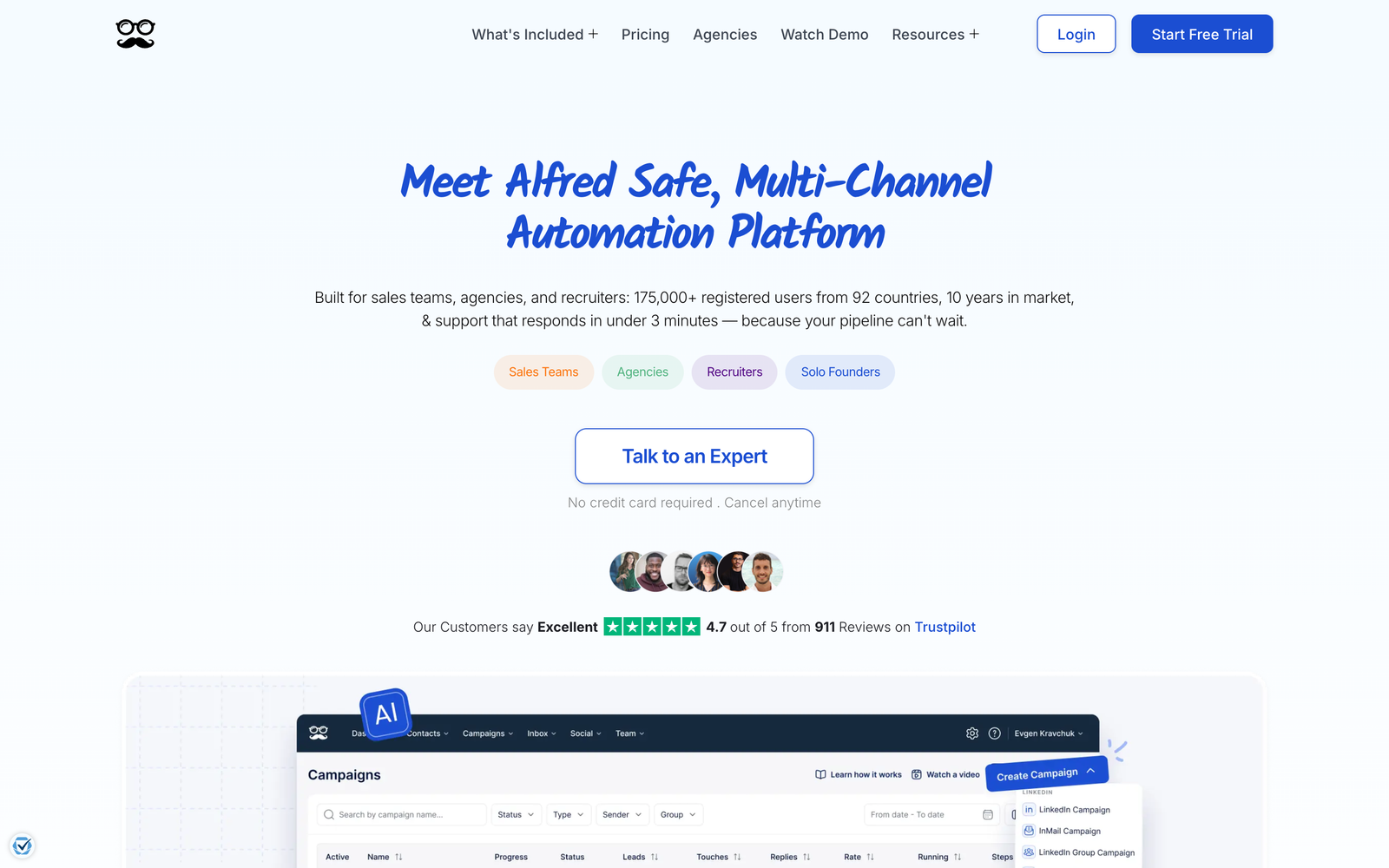
Meet Alfred is for the founder, consultant or two-person team that would rather not assemble a stack yet. One product covers LinkedIn automation across several campaign types, multichannel flows that include email and X on Business and Teams (Individual is LinkedIn only, and X campaigns are marked "under maintenance"), a built-in LinkedIn-centric CRM, analytics, team roles and a content scheduler for posting. It runs in the cloud, with a smart inbox and templates.
That breadth is the appeal and the cost. When prospecting, follow-up and light content support all sit with one person, having everything in one place keeps execution moving even if no single module is best in class. But a platform that does campaigns, CRM, inbox and scheduling at once has a steeper learning curve than one that does one thing, and teams with stricter process requirements tend to end up with a tool that goes deeper in a single lane. As read on 24 October 2026, it costs $59 (Individual), $79 a seat (Teams, 3-seat minimum) or $99 (Business) per user a month on monthly billing, or $35, $47 and $59 on annual billing, and a second LinkedIn account in one workspace needs Teams. The Cadency versus Meet Alfred comparison covers what changes once outreach becomes a team activity.
Which tools treat LinkedIn as one channel among several?
For these three, LinkedIn is a supporting channel. That is not a criticism; if email or calls carry your pipeline, an email-first suite with LinkedIn touches is the right shape. Just do not expect the account-safety machinery of the LinkedIn-first platforms.
9. lemlist
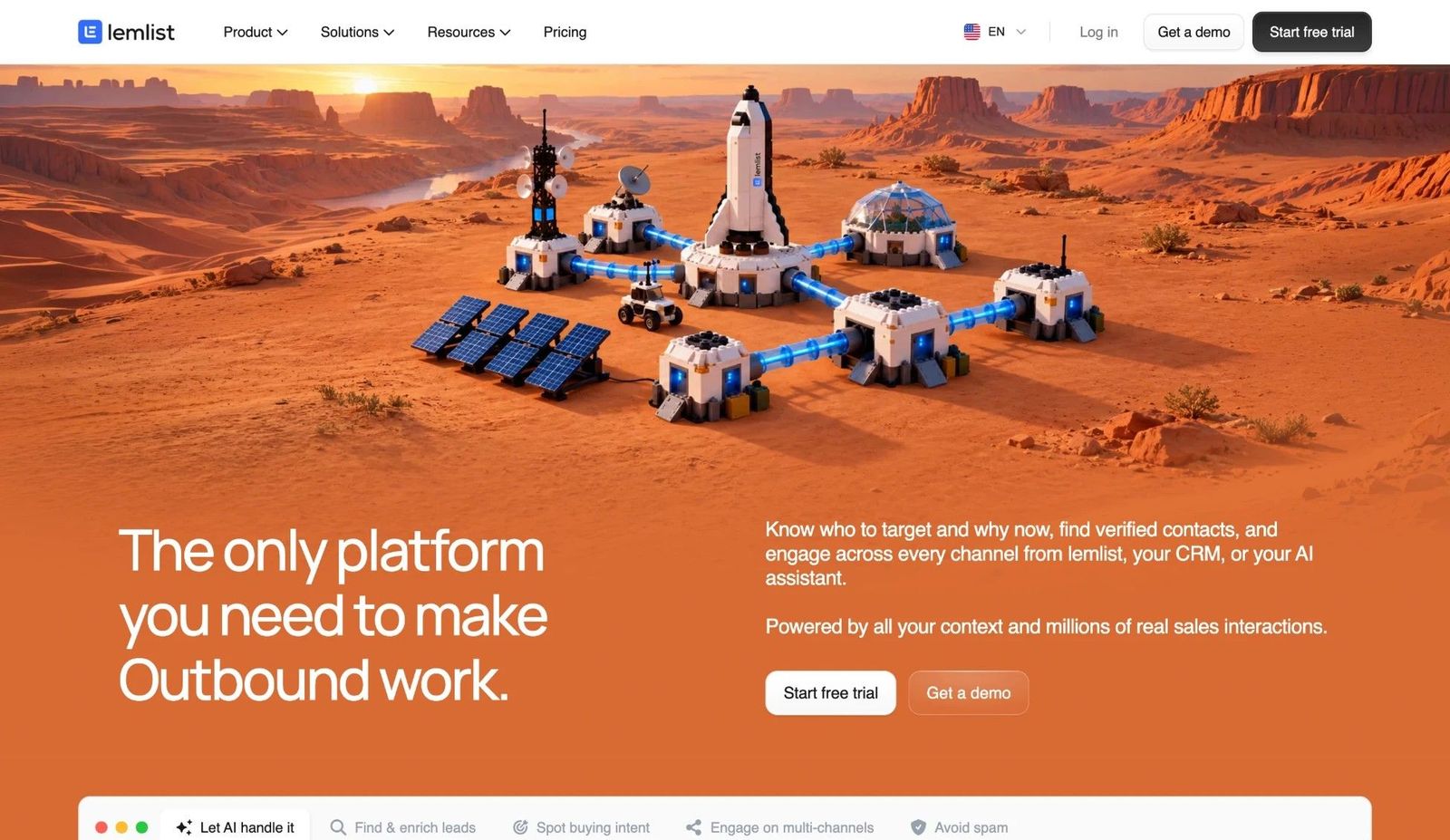
lemlist grew from a cold email tool into a full outbound suite, and its DNA still shows. The core strengths are deliverability tooling, warm-up, and personalised images and video. Around that core sits a lead database of more than 650 million contacts, email and phone finders, and multichannel sequences that combine email, LinkedIn steps, calls, WhatsApp and SMS. An AI campaign builder turns a plain-language description of your ICP into a working sequence, which shortens setup for teams without an outbound playbook.
The LinkedIn actions (visits, invitations, messages) exist to support email-led sequences, and they do that job well: a profile visit ahead of an email lifts recognition when the email arrives. What lemlist does not have is a pooled-sender model or per-account health monitoring: a multi-sender campaign can spread leads across several seats' LinkedIn accounts, but every account is its own seat, and its per-user pricing assumes one rep with one LinkedIn identity. As read on 24 October 2026, the Multichannel plan is $109 per user a month ($87 annual), with one LinkedIn account per seat, and LinkedIn steps require that tier; the Email plan, priced per workspace by volume from $69 for 50,000 emails, is email only. Credits for lead finding and verification stack on top, so the real bill usually lands above the sticker price.
Choose lemlist when email is the engine and LinkedIn is the warm-up. If your pipeline runs the other way, a LinkedIn-first platform buys more depth per dollar. The lemlist review covers the email side in depth and the Cadency versus lemlist comparison sets the two philosophies next to each other.
10. La Growth Machine
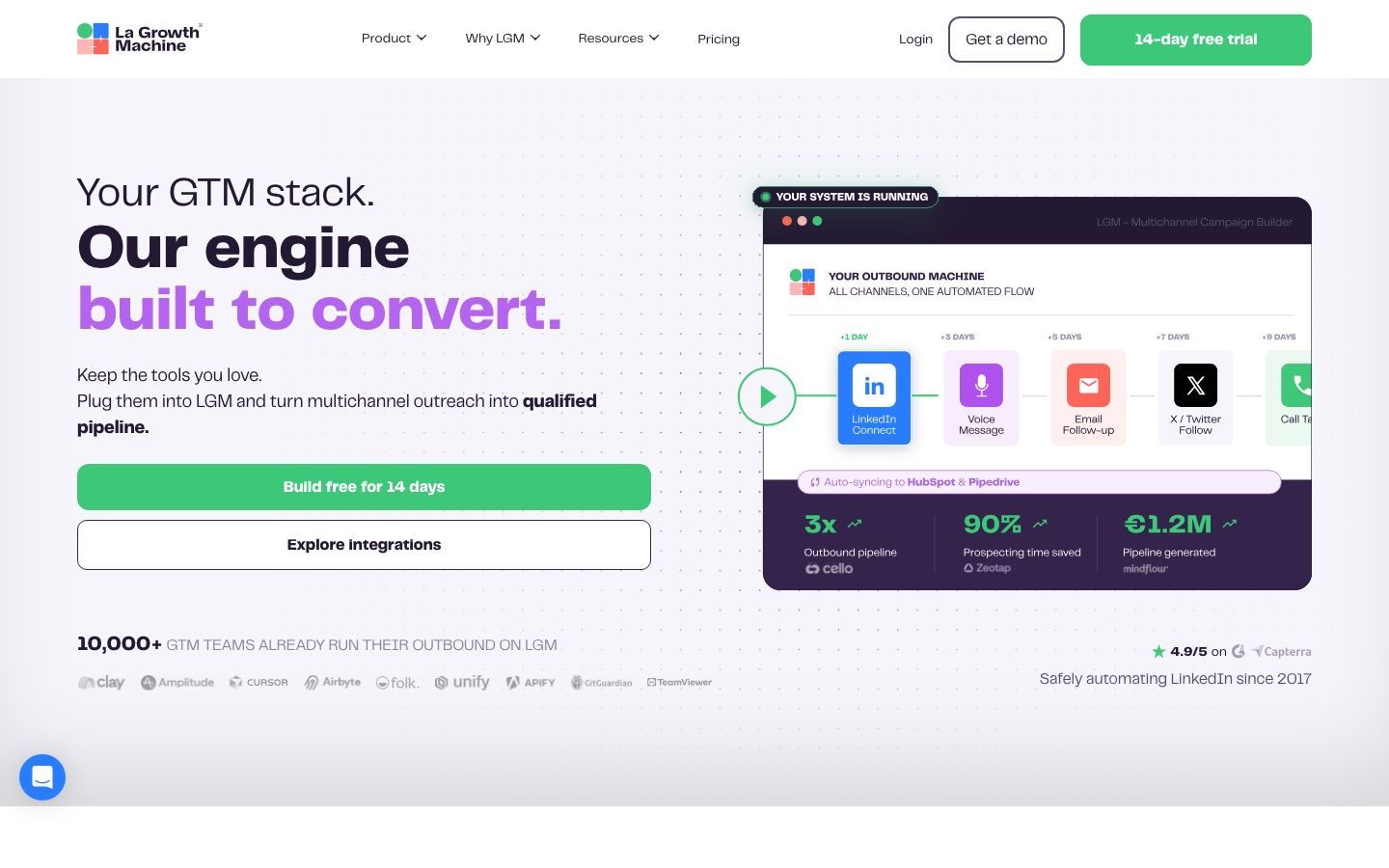
La Growth Machine refuses to let LinkedIn sit in a silo. LinkedIn, email, X, calls, enrichment and inbox management live inside one multichannel workflow, with cross-channel sequences, a central inbox for replies and enrichment layered into the process. It also has AI voice messages and a Real Chat mode, and its per-identity model spreads activity across channels rather than concentrating it in one.
It fits agencies, outbound teams and founders who already think in sequences rather than channels: connect on LinkedIn, follow up by email, nudge with another touch, route the reply centrally. The cost of that flexibility is configuration. Teams that only need LinkedIn automation usually find LGM heavier than they wanted, and per-identity pricing plus enrichment credits grow quickly once several reps or client accounts are involved. The deciding question is whether your bottleneck is channel coordination or LinkedIn-specific execution; LGM solves the first.
11. Apollo
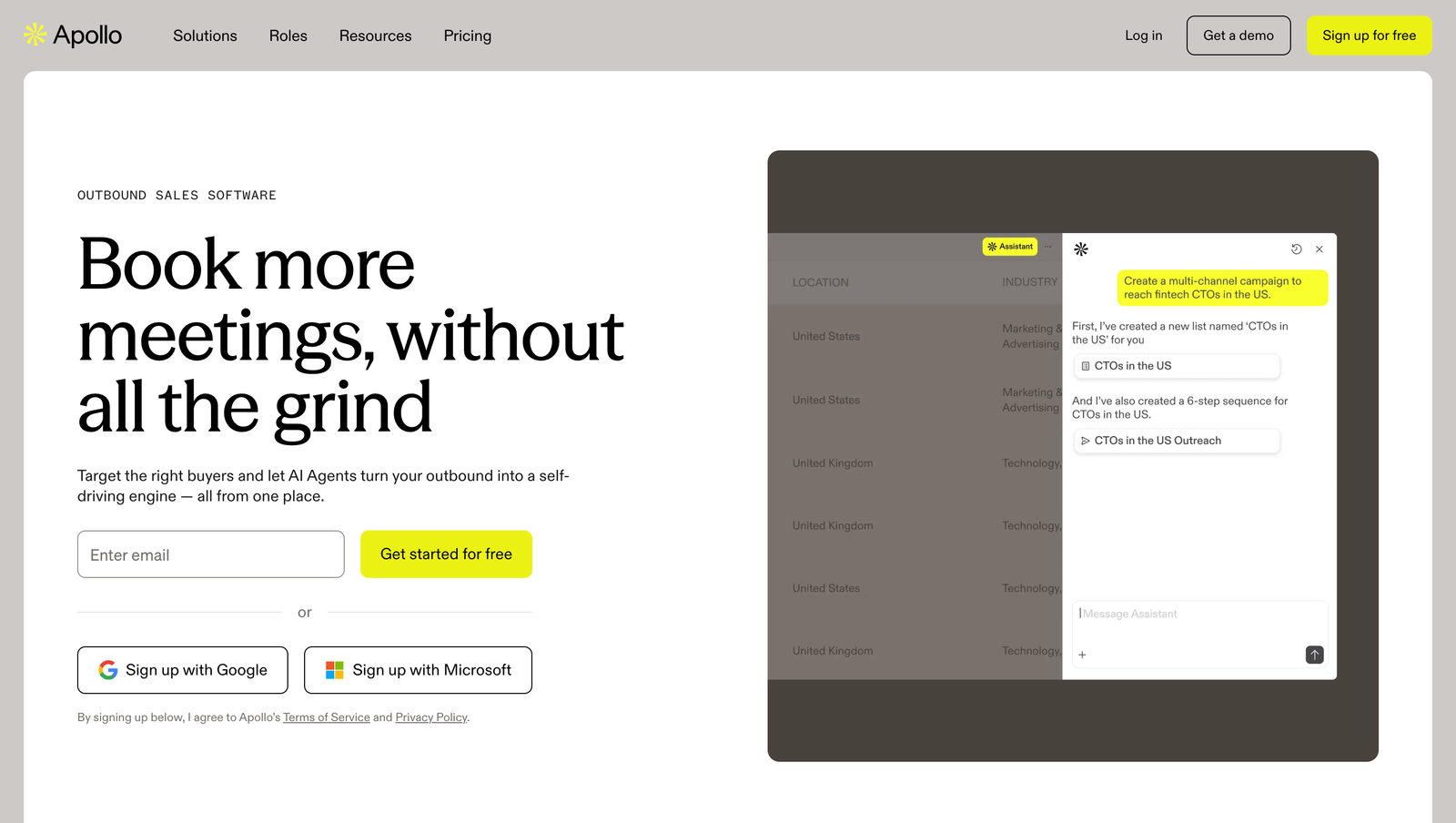
Apollo is an all-in-one outbound workspace that happens to pair well with LinkedIn research rather than a LinkedIn automation tool. Its Chrome extension overlays contact data on LinkedIn profiles, and the platform behind it handles a large B2B database, enrichment, sequencing, a dialer, analytics and CRM-connected execution. A free tier with credits makes it easy to try.
Apollo makes sense when LinkedIn is one part of the motion rather than the whole of it: research a profile, enrich the contact, run email and phone from the same screen. Its LinkedIn actions are assistive rather than fully automated, which is deliberate and, from a safety standpoint, a lower-risk posture. The trade-offs are complexity and pricing mechanics, since credits, enrichment limits and add-ons make the real cost harder to predict than the plan name suggests. A LinkedIn-first agency running many accounts will find it is not the sharpest tool for that particular job.
Where does Sales Navigator fit next to automation tools?
12. LinkedIn Sales Navigator
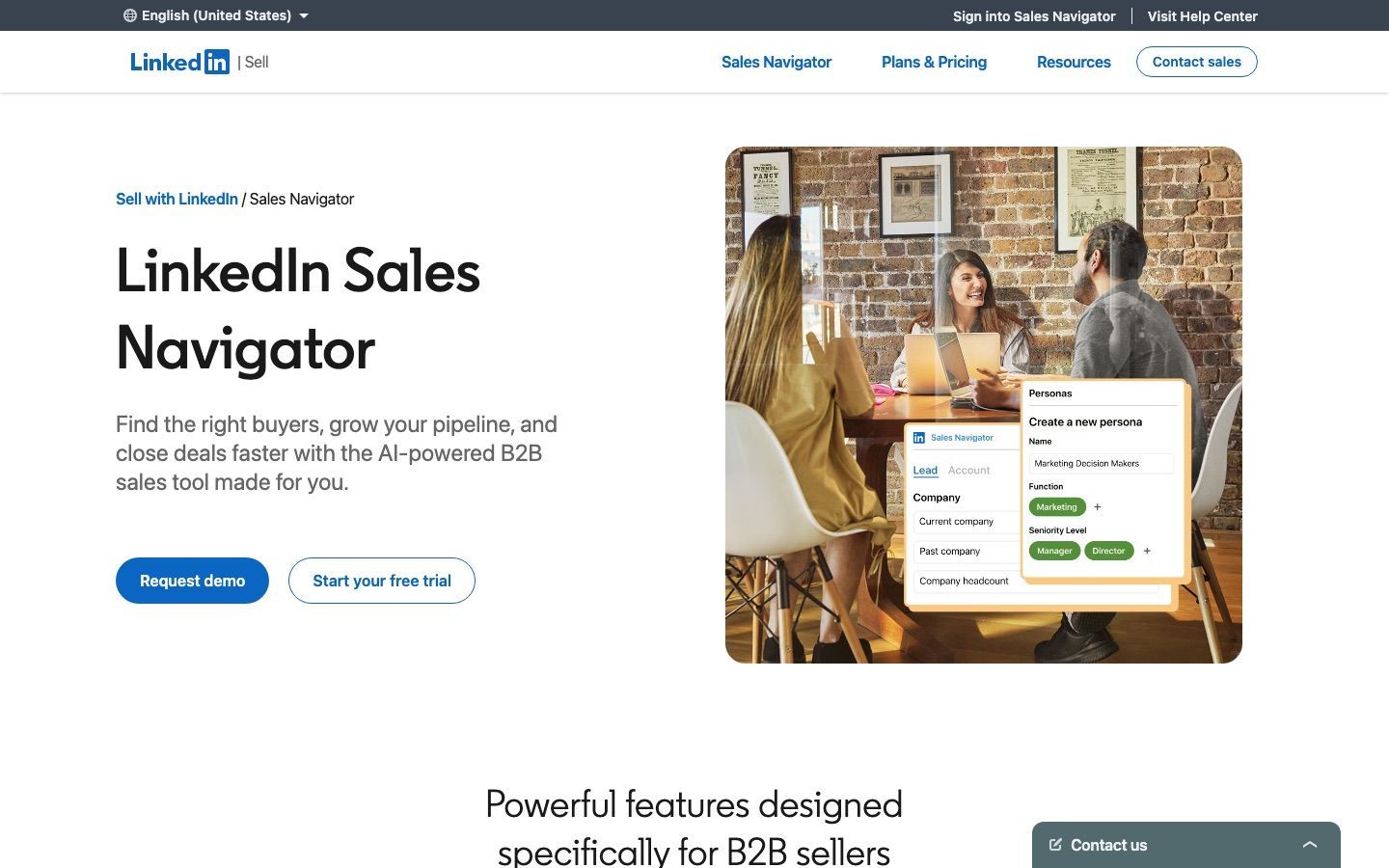
Sales Navigator is not an automation tool, and it is on this list because it is the layer almost every automation tool is pointed at. Its value is precision: advanced lead and account filters, saved lists that refresh with new matches, alerts on job changes and company activity, CRM integrations with Salesforce and HubSpot, and warm-introduction visibility on the higher tiers. Even teams that run their outreach elsewhere tend to treat it as the source of truth for list quality, and several tools above import its searches directly.
What it will not do is scale messaging. InMail allowances are capped, InMail is not a real outbound engine for most organisations, and pricing varies by plan and region in ways that can feel opaque. Buy it for targeting, account mapping and timing signals; then hand the list to an execution tool. Our guide to LinkedIn prospecting tools covers the targeting layer in more depth, including where trigger-based outreach after a role change or hiring push beats a static list upload.
What are LinkedIn's limits in 2026, and why do they decide the tool?
Every tool above operates inside the same constraints, and a few of them are official. LinkedIn's help pages confirm that an invitation limit exists but state neither the number nor the time window it is counted over; the figure of roughly 100 connection requests a week that circulates everywhere is consensus from vendors observing behaviour, and the right way to use it is as a ceiling to stay well beneath. Documented limits include a cap of 30,000 first-degree connections, a block of up to three weeks on re-inviting anyone whose invitation you withdrew, and, on free accounts, only 3 personalised connection requests a month (an older LinkedIn help page still says 5), with standard and personalised invitations counted as separate pools. Our LinkedIn connection limits guide keeps these current.
Restrictions escalate in a documented pattern. A first trigger usually locks invitations for a few hours, repeats stretch that to a few days, most restrictions clear within a week, and an account carrying too many outstanding invitations can wait up to a month. Nothing you buy lifts the limit; LinkedIn states that invitation limits cannot be raised by purchasing any product, Premium included. Our guide on what to do when a LinkedIn account is restricted walks through the recovery steps.
This is the mechanical argument for a sender pool. Because limits attach to the account, five warmed-up accounts each sending 15 invitations a day reach more people, at lower risk, than one account pushed to a dangerous 75. It is also why the safer tools default to conservative daily caps and ramp new accounts gradually instead of running at the ceiling from day one.
Cloud platform or Chrome extension: which architecture should you choose?
The twelve tools split into two architectures, and the split matters more than most feature differences. Extension and local tools (any LinkedIn Chrome extension, and Dux-Soup's local edition, which is a desktop app) run on your own machine. They are cheaper and quick to set up, but activity happens from your machine, and only while it is switched on and the tool is running. Cloud platforms (Cadency, Expandi, Skylead, HeyReach, Dripify and Waalaxy among the tools here) run the account server-side, usually with a dedicated IP per account, so campaigns continue while the laptop is shut and the connection pattern stays consistent, which is precisely what LinkedIn's detection watches. Waalaxy belongs on this side too, with no Chrome extension since mid-2026, though it says up to five users share each fixed sending IP and describes no managed warm-up.
The working rule: an extension is fine for one account at modest volume, where an occasionally manual feel is even an asset. The moment you run several senders, want scheduling nobody has to babysit, or manage client accounts as an agency, cloud architecture with per-account IPs stops being a preference and becomes the safety requirement. Our guide to whether LinkedIn automation is safe goes through the detection signals in detail.
A few tools blur the line. Dux-Soup sells a local desktop app and a cloud edition at a higher price, and Apollo pairs an extension with a cloud platform while keeping its LinkedIn actions assistive. When a vendor describes itself as cloud based, ask two questions: does each account get its own IP, and does anything still depend on a browser being open on someone's machine? The answers tell you which side of the line the product really sits on.
How do you run LinkedIn automation without burning the account?
The tool matters less than the system it runs inside, and every team producing steady results on LinkedIn runs a version of the same loop. Knowing it makes each tool easier to judge, because each automates a different part. One habit sits underneath all six steps: a new or newly connected account is ramped up gradually, not run at the ceiling on its first day, whatever the tool technically allows.
- Narrow the segment until one sentence fits it. If you can write a single relevant line about the group, it is a segment; if you cannot, it is a mailing list. The trigger you filter on (a role change, a hiring push, a technology in use) does more work than the industry code.
- Build the search where the filters are deepest. For most teams that is Sales Navigator, which is why so many tools sit on top of it. Save the search so it refreshes with new matches rather than being rebuilt.
- Extract first, enrich second. Pull profiles inside your tool's daily caps, qualify them, and only then buy emails and phones. Enriching before qualifying means paying for contacts you will never message.
- Sequence the way a person would. A connection request, a wait measured in days, a short message that names the trigger, one follow-up. Reply rates fall with every extra step, and the accounts that stay healthy are the ones that stop when the prospect stays silent.
- Route replies to a place someone watches. A reply that sits unanswered for three days undoes the sequence that earned it. A shared inbox and a CRM hand-off become essential the moment a second sender is running.
- Measure replies and meetings, not activity. Sends and connection rates are numbers a tool can inflate. Positive replies per hundred contacts is the figure that predicts pipeline, and it is the one to compare across a trial.
How do you choose between these LinkedIn automation tools?
Feature grids reward the longest checklist. A better method is to ask what will break first in your specific motion, because the answer points at a different tool each time. For some teams it is list quality, which says Sales Navigator or a database. For others it is account safety, which says cloud architecture with per-account IPs. For agencies it is nearly always sender management, reply routing and client reporting.
Four questions settle most decisions:
- How many senders will actually run? One profile needs none of the control layer that twenty require. Under five, the cheapest per-seat tools cost less, though three Expandi seats at $99 already cost $297 against $128 on Cadency Essential with one extra sender; from five to twenty, a bundled pool such as Cadency's Small Team plan usually costs less than five or six seats; at twenty-five and beyond, HeyReach's flat tiers undercut per-seat tools, provided you can operate your own proxies: $999 for 25 senders or $1,399 for 50 on the Agency plan, against $824 and $1,449 on Cadency Scale.
- How much risk can the team absorb? Native tooling like Sales Navigator is slower but carries no third-party risk. Automation trades that safety for efficiency, and the cost of sloppy execution rises with it.
- Where does the team live? If the CRM is the operating system, weak data flow is a bigger problem than missing templates. Check whether the tool offers native CRM connectors, an API and webhooks, or both, and be honest about who will build the integration.
- One channel or several? LinkedIn-only tools are sharper on LinkedIn. Multichannel tools are more resilient when a prospect ignores one channel. Tools that run both inside one campaign, with rotation on the LinkedIn side, are the smallest set of all.
By role, the priorities look like this:
- Agencies: rotation across many senders, one inbox, per-account safety controls, client-ready reporting and workspaces.
- Recruiters: search quality, simple workflows, and nothing that puts a personal profile at avoidable risk.
- Founders: speed to a first conversation and minimal setup.
- Sales operations leaders: governance, reporting, and visibility across every user.
- Small SDR teams: repeatable sequences with enough guardrails that nobody improvises their way into a restriction.
Then shortlist two or three, run a real campaign through each, and judge on positive reply rate, how clean the data arrives in your CRM, and how the accounts behave. The best LinkedIn automation tool is not the one with the most automation. It is the one your team can run week after week without cleaning up after it, and without losing an account. Two useful places to start that comparison are the pricing calculator across vendors and the Cadency pricing page.
Competitor prices in this article were read from the vendors' own pricing pages on 24 October 2026 unless another date is given next to them. Treat anything older than a month as indicative and confirm on the vendor's site before you commit.
Frequently asked questions
What is the best LinkedIn automation tool in 2026?
It depends on how many LinkedIn accounts will be sending. For one account, Waalaxy (Pro at €39 a month, or €19 billed yearly) or Dux-Soup are the simplest starts. For a small team that needs guardrails, Dripify. For five or more senders running LinkedIn and email inside one campaign, Cadency (Small Team at $199 a month with 5 senders included). For agencies rotating 25 or more accounts on a flat fee, HeyReach's Agency plan, sold for 25 or 50 senders. For email-led motions, lemlist or Apollo.
Is LinkedIn automation safe?
No LinkedIn automation tool is risk-free, because automation sits outside LinkedIn's user agreement. The risk is far lower with cloud tools that give each account a dedicated IP, enforce per-account daily ceilings and pace activity like a person, and far higher with browser extensions pushed to volume. Keep every account well under the widely cited 100 invitations a week, ramp new accounts slowly, and stop a sequence when the prospect does not answer.
How many connection requests can you send per week on LinkedIn?
LinkedIn confirms an invitation limit exists but has never published the number. The roughly 100 requests a week figure is vendor consensus from observed behaviour, not an official quota, and LinkedIn states it cannot be raised by buying Premium or anything else. Sustainable programs treat 15 to 20 invitations a day per warmed-up account as the working zone and let acceptance rate, not the ceiling, decide whether to send more.
Can you run LinkedIn automation across multiple accounts?
Yes, and for agencies and outbound teams it is the standard model: a pool of LinkedIn senders, each inside its own daily ceiling, with one campaign rotating leads across them and every reply landing in one inbox. Cadency and HeyReach are built around this, and Expandi's Shared Campaigns and Global Inbox do the same across its per-seat accounts. Buying several seats of a single-account tool gives you the accounts but not the rotation, deduplication or shared inbox that make the pool behave like one system.
How much do LinkedIn automation tools cost?
Per-seat cloud tools cluster between $59 and $109 a month at the rates read on 24 October 2026: Dripify from $59 on annual billing, HeyReach from $64 on yearly billing, Expandi from $79, lemlist from $87 and Skylead at a flat $100. Waalaxy starts lower, at €19 billed yearly or €39 monthly. Some plans bundle senders instead: Cadency is $89 a month with 2 LinkedIn senders included or $199 with 5, and HeyReach's Agency plan is $999 for 25 senders. Sales Navigator is billed separately by LinkedIn.
Is there a free LinkedIn automation tool?
Not really, beyond LinkedIn's own free search plus manual outreach, which costs nothing and breaks no rules. Waalaxy has a free Freemium mode, but it runs no automation, so its real test is a 14-day trial that needs a card. Apollo keeps a free tier with credits, and most cloud platforms run trials rather than free tiers. Use a trial to push the same 100-contact campaign through two shortlisted tools and compare positive reply rates before paying for either.
Is Sales Navigator enough for LinkedIn prospecting?
Sales Navigator is the best targeting layer on LinkedIn, but it does not execute outreach at scale: no sequences, no rotation across accounts, no shared inbox. Most teams keep it for search, saved lists and job-change alerts, then hand the list to an automation tool. Several tools on this list import Sales Navigator searches directly, which is the cleanest way to pair the two.
Ready to run LinkedIn and email from one engine?
Cadency pools every LinkedIn sender and mailbox into one campaign and one inbox. Essential starts at $89 a month with 2 LinkedIn senders and a free trial.