
Dripify is a cloud based LinkedIn and email automation tool priced per user: $59 a month on Pro and $79 on Advanced when billed annually, or $79 and $99 month to month, as read on the vendor's pricing page on 24 October 2026, plus a custom-priced Enterprise plan. It is a sensible buy for one person automating one LinkedIn account. It is a weaker buy for a team, because every LinkedIn account needs its own paid seat, and team management and the strongest account safety controls are reserved for the Advanced tier.
This review is organised around one question: what does a Dripify seat actually buy you, and at what point does buying several of them stop making sense? We cover the price list and the credit packs, what each tier gates, the campaign builder, personalization, team roles, the safety mechanics Dripify documents, and the alternatives a multi sender team should price against it.
Who is Dripify built for?
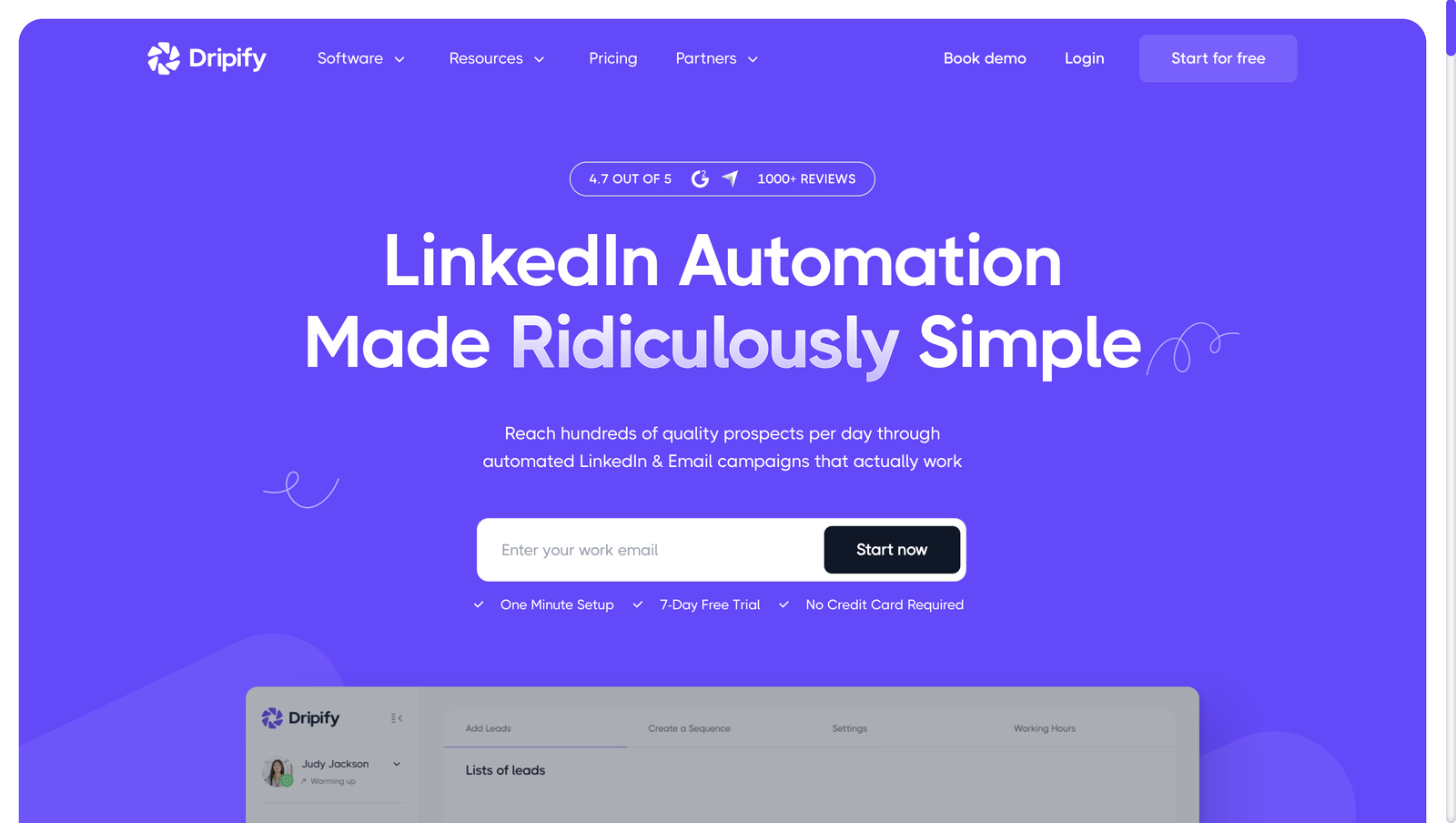
Dripify runs LinkedIn and email sequences from its own servers. There is no browser extension to install and nothing stops when you shut the laptop, which puts it in the cloud based camp of LinkedIn automation tools alongside most of what teams shortlist today. Connection requests, follow-up messages, email steps, delays and conditions all live in one drag and drop editor, and an email finder is bundled so a LinkedIn profile can be turned into an address without a second product.
The design centre of the product is a single person with a single LinkedIn account: a solo seller, an independent recruiter, a founder working their own pipeline. Where Dripify stands out is polish rather than breadth. The interface is clean, the setup is quick (the vendor claims a "one minute setup"), and basic reporting is available from the cheapest plan, with step analytics held for Advanced.
The billing model follows from that design centre. Every tier is priced per user per month. A manager who wants five reps' LinkedIn accounts running under one roof is not buying one workspace with five senders, but five seats, each tied to one LinkedIn account with its own daily quotas, and the team management that links them needs the Advanced tier. Keep that in mind while reading the price list below, because the single seat price is the number that looks good, and the multi seat total is the number you will pay.
How much does Dripify cost in 2026?
Dripify sells two published tiers, Pro and Advanced, plus a custom-priced Enterprise plan. Prices below are per user per month, as read on the Dripify pricing page on 24 October 2026. The old dripify.io address now redirects to dripify.com.
| Tier | Per user, monthly, on an annual contract | Per user, paid month to month |
|---|---|---|
| Pro | $59 | $79 |
| Advanced | $79 | $99 |
| Enterprise | Not published | Not published |
The pricing page headlines "up to 35% off" for annual billing. In practice the annual discount is a flat $20 per user per month on both published tiers, about a quarter on Pro (from $79 down to $59) and about a fifth on Advanced (from $99 down to $79), so neither tier reaches the "up to 35% off" the toggle advertises. The dollar gap never changes; only the base it is measured against does. Enterprise has no public price and goes through a sales call.
Dripify offers one 7 day free trial, with no credit card, on Advanced plan features. Nothing is charged automatically when it ends.
What does each Dripify tier actually unlock?
Pro, now the entry tier, includes LinkedIn and email sequences, unlimited campaigns, analytics and reports, a dedicated inbox, HubSpot, webhooks and Zapier, an Open API and MCP server, CSV export and 100 email finder credits a month.
Pro is described by Dripify as the plan for "sellers launching LinkedIn and email campaigns". Its daily quotas, 75 connection requests, 100+ messages, 30 Sales Navigator InMails and 200+ profile views, are the same as on Advanced. Advanced is aimed at "professionals who need stronger account safety and continuous lead flow, solo or as a team": it adds multi-team management, lead tagging, step analytics, A/B testing, advanced LinkedIn protection, team templates and duplicate-lead prevention across the team, and it is the tier that carries the Activity Control feature discussed in the safety section. Several of those quotas carry a plus sign, so confirm during the trial that the real ceiling fits your volume. Our reference on LinkedIn connection limits is a useful yardstick for what a sustainable weekly pace looks like, whichever tool enforces it.
What does Dripify cost for three or ten users?
Because each seat carries one LinkedIn account, the total scales in a straight line. The figures below multiply the published per user prices; since team management needs Advanced, the Advanced columns are the ones a managed team actually pays.
| Team size | Pro, annual | Pro, monthly | Advanced, annual | Advanced, monthly |
|---|---|---|---|---|
| 1 user | $59 | $79 | $79 | $99 |
| 3 users | $177 | $237 | $237 | $297 |
| 10 users | $590 | $790 | $790 | $990 |
Ten reps on Advanced, paid monthly, is $990 a month ($790 on annual billing), and each of those ten still runs its own LinkedIn account and its own campaigns; Advanced links them with team management, team templates and duplicate-lead prevention rather than pooling them into one campaign. That is the figure to compare against tools that bundle several senders into one plan, which we do further down.
How much do extra email finder credits cost?
The 100 monthly credits included on every plan are gone within a week or two for anyone prospecting every day. Top ups are sold as fixed packs on top of the subscription:
| Pack size | Price on annual billing | Price on monthly billing | Cost per 1,000 credits, annual |
|---|---|---|---|
| 1,000 credits | $29 | $39 | $29 |
| 2,000 credits | $49 | $69 | $24.50 |
| 5,000 credits | $69 | $99 | $13.80 |
| 10,000 credits | $99 | $129 | $9.90 |
The per credit cost falls by roughly two thirds between the smallest and the largest pack: about three cents each at 1,000 and about one cent each at 10,000. If you know you will find emails at volume, one 5,000 or 10,000 pack is far cheaper than a string of 1,000 packs bought month after month, and the spend belongs in your total cost of ownership when you weigh Dripify against a competitor's sticker price.
What should the 7 day trial prove?
A week is short for a product whose value shows up over weeks of background sending, so decide what you need to learn before you start the clock. Three checks fit inside seven days:
- Build a real sequence, a LinkedIn touch followed by an email step, and see whether the drag and drop editor maps to how you actually work.
- Spend some of the 100 finder credits and test whether the addresses that come back are deliverable, not just present.
- Check whether Pro covers you or whether you need Advanced's team management and A/B testing (the trial runs on Advanced features).
What a week cannot prove is account safety. The "one minute setup" claim is about launching a first campaign, not about observing how an account behaves under automation over a month, and that longer window is the one that decides whether a tool is safe for you.
What can you build in the Dripify campaign builder?
The builder is a drag and drop canvas where LinkedIn actions, email steps, delays and conditions chain into a single sequence. Dripify's homepage counts "10+ actions & conditions" available in the editor. Every plan gets both channels in one flow, which is more than some entry tiers offer; step analytics, which show which step is converting, arrive with Advanced.
The LinkedIn actions Dripify lists, as read on 30 September 2026, are connection requests, messages, InMail, likes, profile views, follows, unfollows and skill endorsements, alongside email steps. If you need a step that is not on that list, the trial is the place to check.
Where do Dripify campaign leads come from?
A campaign runs against a list, and Dripify accepts lists from these sources, with the import caps read on 30 September 2026:
- A LinkedIn search results page, up to 1,000 profiles per search
- A LinkedIn Recruiter search, up to 1,000 profiles per search
- A Sales Navigator search, up to 2,475 profiles per search
- A LinkedIn event
- A LinkedIn group
- Your own "My Network" connections
- A CSV upload for lists built elsewhere
That covers the ways a solo seller or a recruiter already builds a target list, with no separate list building tool required. There is no built in prospect database, so Dripify is only as good as the list you feed it. Before launching, it is worth checking how the list side compares across the wider set of LinkedIn prospecting tools.
Does Dripify support A/B testing?
Yes, on the Advanced tier. A/B testing is built into the campaign builder, so two message variants can run inside the same sequence, and as read on 24 October 2026 it is listed under Advanced rather than Pro. Pair the test with the step analytics that also come with Advanced, so the winning variant is chosen on replies rather than on instinct.
How does Dripify personalize LinkedIn and email messages?
Dripify layers personalization in three ways, and it helps to keep them apart, because the marketing copy quotes three different numbers.
The first layer is variables. The feature page lists "20+ smart variables" for message copy and names first name, company, position, location and mutual connection name as examples. These are slots: the tool looks up a known value and drops it into the sentence.
The second layer is the AI IceBreaker. Rather than filling a slot, it reads the lead's profile and recent LinkedIn activity and writes an opening line that reacts to what the person has posted or changed. It is a different mechanism from a variable and is the closest Dripify gets to per lead copy that was not written in advance.
The third layer sits underneath both. Dripify describes "30+ real-time attributes" available for enrichment. Think of these as the data points Dripify can hold about a lead; the smart variables are the subset you can actually place in a message.
Two things are missing. The feature page does not offer image or GIF personalization, and it does not offer spintax. If your outreach relies on a lead's name rendered onto an image or on randomised phrasing across a large send, Dripify does not do that part.
| Layer | What Dripify claims | How to read it |
|---|---|---|
| Smart variables | "20+ smart variables": first name, company, position, location, mutual connection name | Known values inserted into copy |
| AI IceBreaker | Generates an intro line from the lead's profile and recent activity | Writes a sentence rather than filling a slot |
| Real-time attributes | "30+ real-time attributes" for enrichment | Data held about a lead, not all usable in messages |
| Image or GIF personalization | Not on the feature page | Look elsewhere if you need it |
| Spintax | Not on the feature page | Same |
What does Dripify include for email finding and reporting?
Two features are worth calling out because they ship on the cheapest tier. The email finder, with 100 credits a month included on every plan, attaches to whatever list a campaign is running against and converts a LinkedIn profile into an email address inside the tool, which is what makes the email steps in a sequence usable; emails are pre-verified, and opens and replies are tracked. Analytics and reporting are also on Pro, the entry tier, so a solo user sees engagement and conversion without paying for a higher plan, while step analytics need Advanced.
What is not there is a database of prospects to search. Dripify works from the list you bring: a LinkedIn search, a CSV, a Sales Navigator search. Email is native on every paid plan, but Dripify publishes no monthly email volume and its cold email page caps sending at 200 emails a day on Pro and Advanced, so if email carries more of your pipeline than LinkedIn does, it is worth pricing dedicated cold email software against it before you rely on it for volume.
How does Dripify work for a team?
Team management needs the Advanced tier, as read on 24 October 2026. On it, Dripify lets an account owner add an unlimited number of team members and assigns each one of three roles.
| Role | Permissions |
|---|---|
| User | Cannot invite team members |
| Manager | Can add and remove team members |
| Owner | Unlimited rights, including assigning roles and changing or removing owners |
Team accounts get automatic duplicate lead elimination across members, so two reps working overlapping lists do not both message the same person. An owner can bulk upgrade teammates to a paid plan in one step, and billing can go either way: the owner pays for everyone, or each teammate pays for their own seat.
One billing quirk deserves a line in your offboarding checklist. When a teammate is removed from the team, their individual subscription does not cancel itself; it stays active and keeps billing until someone cancels it separately. If you are tracking seats for churn, that is a step that has to be done by hand.
On reporting, Dripify's analytics cover engagement metrics, conversion rates and account activity, and campaign stats are broken out per team member, so a manager can see whose sequences are converting and whose are not.
For getting data out, every plan includes webhooks, Zapier, HubSpot, an Open API and an MCP server, plus CSV export. The homepage also names Google, Google Spreadsheet and Make. Zapier, Make and the native HubSpot connector are the practical route into a CRM or a sheet for most teams, and if you plan to build against the Open API or the MCP server directly, ask for the documentation and rate limits before you commit.
Is Dripify safe for your LinkedIn account?
Dripify is safe in the way that matters most: it runs in the cloud rather than as a browser extension, and it documents how it spaces activity. Account safety is also a selling point Dripify attaches to its Advanced tier specifically, with "stronger account safety" named as an Advanced benefit on the pricing page. The pricing page publishes daily quotas (up to 75 connection requests a day on both Pro and Advanced), and a dedicated safety feature page explains more of the mechanics.
For the general risk model behind any tool that automates invitations and messages, read our guide to whether LinkedIn automation is safe, and for the specific behaviour patterns that lead to a restriction, see what triggers a LinkedIn account restriction. LinkedIn's own help page on invitation limits and restrictions is the primary source on what the platform watches for, whatever software is sending.
What safety mechanics does Dripify document?
According to the safety feature page, every automated action runs in the cloud, and actions are performed as page views and button clicks with random delays between them, to avoid the fixed interval rhythm that marks an account as scripted.
Above that baseline sits Activity Control, which Dripify describes as a feature that adjusts daily activity limits to avoid flags. Activity Control belongs to the Advanced tier, not Pro, as does advanced LinkedIn protection. Daily limits exist on every tier and can be adjusted within the published quotas, up to 75 connection requests and 100+ messages a day.
That gating is worth pausing on. The people most likely to be on Pro are the people newest to LinkedIn automation, and they are running with fewer of the safety controls, not more. If safety is why you chose a cloud tool in the first place, budget for Advanced rather than Pro.
What daily volume does Dripify's own safety guide recommend?
Dripify published a safety guide dated October 28, 2025. Its recommendations, in the vendor's own numbers:
- Start at 20 to 30 connection invites a day and hold there for about a week.
- Once a pattern is established, step up to 50, then 75, then 100 invites a day.
- Withdraw invitations that have not been accepted after 30 to 45 days.
- As a rule of thumb, keep daily invites to "3 to 5% of your total connections", so an account with 1,000 connections would send 30 to 50 a day.
These are one vendor's recommendations, not LinkedIn policy, and Dripify's published ceiling of 75 connection requests a day, the same on Pro and Advanced, stops the ramp before its last step of 100 a day. LinkedIn does not disclose a fixed daily invitation cap. Two habits hold regardless of the tool: the vendor's default settings are usually the safest starting point, because vendors that get customers restricted hear about it quickly, and a marketing claim about safety is an input to your own volume decision, not a substitute for it.
What are Dripify's pros and cons?
Pros
- Runs in the cloud, so no browser tab has to stay open
- LinkedIn and email steps in one drag and drop sequence
- Analytics and reports included on every plan
- 7 day free trial with no credit card
- 24/7 live support listed on the pricing page
Cons
- The entry price rose to $79 a month ($59 on annual billing) when Basic was dropped
- Per user pricing, so each additional LinkedIn account is another paid seat
- Team management, A/B testing, Activity Control and the stronger safety controls only ship on Advanced
- Extra email finder credits cost money on top of the plan
- Enterprise pricing is not published
- A removed teammate's subscription keeps billing until cancelled by hand
How does Dripify pricing compare with HeyReach, Expandi, Waalaxy and Cadency?
On a single seat, Dripify's $59 annual entry price (Pro) sits in the middle of the field. The table uses the figures read on each vendor's pricing page on 24 October 2026 (Waalaxy's dollar grid on 8 October 2026), and Cadency's published plans.
| Tool | Entry price | What the unit is | Worth knowing |
|---|---|---|---|
| Dripify | $59 per user per month, Pro, annual ($79 monthly) | One user, one LinkedIn account | Unlimited campaigns on every plan; team management needs Advanced ($79 annual, $99 monthly) |
| Cadency | $89 a month, Essential, monthly billing ($62 a month on annual) | A plan with 2 LinkedIn senders included, $39 per additional sender | 100k emails a month, unlimited mailboxes and teammates, one campaign across the whole pool |
| HeyReach | $79 per sender per month, Growth, monthly ($64 a month on yearly billing) | One LinkedIn sender | $59 a sender from ten senders; Agency plan $999 a month for 25 senders |
| Expandi | $99 per seat per month, Business, monthly ($79 a month on annual) | One seat, one LinkedIn account | Workspaces, a Global Inbox and Shared Campaigns on every plan; Agency quote from 10 seats |
| Waalaxy | €39 to €139 per user per month, monthly billing (€19 to €69 billed yearly), checked 24 October 2026 | One user, one LinkedIn account | Prices vary by country: seen from outside the euro zone on 8 October 2026, the page showed $19 to $69 a month ($16 to $55 billed yearly) |
For one person on annual billing, Dripify undercuts HeyReach and Expandi and is beaten by Waalaxy's lowest tier. On monthly billing it ties HeyReach Growth at $79. Cadency's entry plan, Essential, is $89 a month ($62 on annual billing): more than a single Dripify seat and between HeyReach and Expandi on monthly billing, with two LinkedIn senders included and a free trial at signup.
The picture inverts as senders are added. Dripify, HeyReach and Expandi all bill per account, so three accounts cost roughly three times the entry price and ten cost about ten times, except at HeyReach, whose rate drops to $59 a sender from ten ($590 a month), and at Expandi, where 10 or more seats move to a quoted Agency plan. Ten Dripify Pro seats, now the entry tier, are $590 a month on an annual contract or $790 month to month, with no team management; a managed team needs Advanced, which is $790 a month for ten seats on annual billing or $990 month to month. Cadency's Small Team plan with five additional senders on top of the five included comes to $394 a month on monthly billing ($199 plus five senders at $39) for ten LinkedIn senders, about two thirds of ten Dripify Pro seats on annual billing ($590) and about half of ten Advanced seats on annual billing ($790), and it runs those ten as a single pool under a single campaign with a shared inbox, plus 100k emails a month across unlimited mailboxes. Cadency is not the cheap option in this table; it is the option whose price is built for the case where Dripify's per seat model gets expensive.
Daily volume is the variable the table cannot show. HeyReach's Growth tier and Expandi's Business tier compete on campaign logic and configurable limits rather than price, so teams near LinkedIn's tolerances usually compare them on features. Waalaxy caps monthly invitations per tier rather than leaving pacing to the user, which suits lower volume accounts.
What is the best Dripify alternative for a team running several LinkedIn accounts?
If you are one person with one account and simple drip logic, stay on Dripify; switching rarely pays off at that scale, and our Dripify alternatives guide covers the budget and extension based options if price is the only issue. The case for moving shows up with the second sender, and it gets stronger with every one after that.
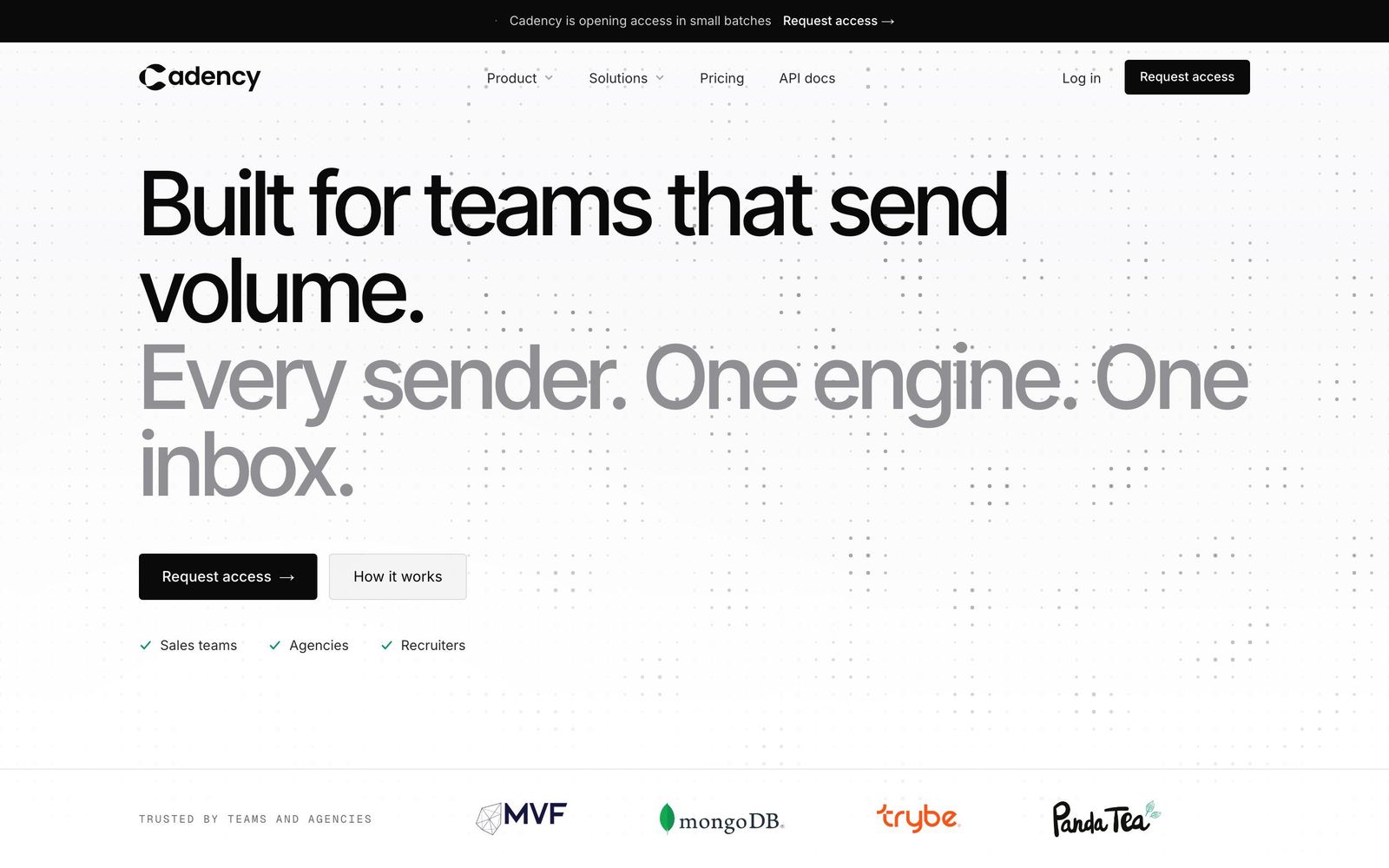
Cadency is built for that case: outreach software for teams that send volume on LinkedIn and email, used by sales teams, GTM agencies and recruiters. The operating model differs from Dripify at the root. One campaign runs across every LinkedIn sender and every mailbox connected to the workspace, with one sender assigned per lead, so a team of ten accounts is one operation rather than ten seats each running its own campaigns.
What that looks like in practice:
- Sender rotation. Leads are spread across the whole pool of connected LinkedIn senders with a ceiling per sender, so no single account carries the volume. Vetted ambassador accounts, operated for you, are available on demand when a team needs more senders than it owns. See sender rotation.
- Eight LinkedIn steps. Profile visit, connection request, message, InMail, a comment on the lead's last post (drafted by AI, approved by you), voice note, like and follow, with branching on connected, replied or email found, waits and A/B tests.
- Email in the same campaign. Google and Microsoft mailboxes with warm-up, unlimited mailboxes, rotated inside the same sequence as the LinkedIn steps. Mailboxes are not counted as senders.
- One inbox. One thread per lead across LinkedIn and email, assignable to a teammate, with replies sent as any sender. Only conversations started from Cadency are tracked; the rest of a rep's LinkedIn inbox stays private. See the inbox.
- Safety by design. Per sender ceilings, pacing, a dedicated proxy per sender, checkpoint handling, fully cloud based with nothing running from a user's browser. See safety.
- Data built in. A native B2B database for people and company search, waterfall enrichment through several providers paid per verified hit, and CSV and Sales Navigator imports.
- Integrations. API and webhooks on every plan; any CRM or ATS connects through the API.
Plans, as published on the pricing page: Essential at $89 a month with 2 LinkedIn senders, $39 per additional sender and 100k emails a month. Small Team at $199 a month with 5 LinkedIn senders, $39 per additional sender and 100k emails a month. Scale at $699 a month with 20 LinkedIn senders, $25 per additional sender, 500k emails a month with upgrades to 1M (+$200) and 2M (+$500), and priority support. Every plan includes unlimited mailboxes, teammates and workspaces, shared inbox, sequences, reporting, API and dedicated support. Annual billing takes 30% off, to $62, $139 and $489 a month. Access is self-serve: Essential starts with a free trial, and Small Team and Scale start without a trial. You can start a free trial or talk to sales.
For a line by line look at the two models, see Cadency vs Dripify, or the pricing comparison to run the same maths across the other tools in the table above.
Verdict: should you buy Dripify in 2026?
Dripify deserves its reputation as a clean, well documented tool for one person and one LinkedIn account. The builder is easy, personalization goes past variables thanks to the AI IceBreaker, reporting comes with the cheapest plan, support is listed as 24/7, and a 7 day trial with no card is enough to know whether it fits. The honest limits are the per user billing that multiplies with every account you add, an entry price that rose to $59 a month on annual billing ($79 monthly) when Basic was dropped, and the fact that team management, A/B testing and Activity Control only ship on Advanced.
Buy Dripify if you are a solo seller, an independent recruiter or a founder who wants LinkedIn and email sequences in one place on one account, and budget for Advanced if account safety is the reason you are automating from the cloud. Look at a multi sender platform instead if your outreach already runs from two or more LinkedIn accounts and you want one workspace, one campaign and one inbox rather than one Dripify seat per account.
Frequently asked questions
How much does Dripify cost per month?
Dripify costs $59 per user per month on Pro and $79 on Advanced when billed annually, as read on the vendor's pricing page on 24 October 2026. The Basic tier is no longer sold. Paid month to month, Pro is $79 and Advanced $99. Enterprise pricing is not published and requires a sales call. Dripify offers a 7 day free trial with no credit card, on Advanced plan features, and extra email finder credits are sold separately in packs starting at $29 for 1,000 on annual billing ($39 on monthly billing).
Is Dripify worth it in 2026?
Dripify is worth it for one person running one LinkedIn account who wants LinkedIn and email sequences in a single tool, since Pro, the entry tier, already includes analytics, unlimited campaigns and 100 email finder credits a month. It is a weaker deal for a team, because every LinkedIn account needs its own paid seat and team management and the stronger safety controls are reserved for the Advanced tier at $79 per user per month on annual billing ($99 monthly).
Is Dripify safe to use on LinkedIn?
Dripify is a cloud based tool rather than a browser extension, which is generally the safer architecture, and its safety page describes random delays between actions. Daily quotas are the same on Pro and Advanced, up to 75 connection requests and 100+ messages a day, and advanced LinkedIn protection and the Activity Control feature, which adjusts daily limits, are only on the Advanced plan. No automation tool can guarantee that LinkedIn will never flag an account, so treat vendor safety claims as a starting point for your own volume settings.
Does Dripify work without a Chrome extension?
Yes, Dripify runs entirely in the cloud, so campaigns execute on Dripify's servers and keep sending after you close the browser or shut your laptop. That separates it from extension based tools, which stop the moment the tab closes. It also means there is nothing to install, and the vendor's claim of a one minute setup refers to launching a first campaign from the web app.
Can one Dripify subscription run several LinkedIn accounts?
No. Dripify allows one LinkedIn account per seat, as read on 24 October 2026, so each additional account means another paid seat, and team management needs the Advanced tier. Ten Advanced seats cost $790 a month on annual billing ($990 monthly). Ten Pro seats, the entry tier, cost $590 on annual billing ($790 monthly), with no team management. That total is what teams running several senders compare against platforms that bundle senders into one plan.
Does Dripify have a free trial?
Yes, Dripify offers a 7 day free trial with no credit card required. It runs on Advanced plan features, and nothing is charged automatically when it ends. A week is enough to test the drag and drop builder, run a short sequence and spend some of the 100 email finder credits a month that every plan includes. It is not long enough to judge deliverability or how an account behaves under automation over a month, so plan the trial around the features rather than the safety question.
Does Dripify integrate with HubSpot, Zapier or an API?
Yes, on every plan. As read on 24 October 2026, Pro, now the entry tier, includes webhooks, Zapier, HubSpot, an Open API and an MCP server, plus CSV export. The homepage also names Google, Google Spreadsheet and Make, so moving leads and campaign data into a CRM or a spreadsheet does not need a third party workaround on any plan. If you plan to build against the API, ask for its documentation and rate limits during the trial.
Ready to run LinkedIn and email from one engine?
Cadency pools every LinkedIn sender and mailbox into one campaign and one inbox. Essential starts at $89 a month with 2 LinkedIn senders and a free trial.